× Logotipo Hablax
SIGN IN SIGN UP

Easy Internet Top-Up in Cape Verde with Hablax

Stay connected internationally with your loved ones in Cape Verde using our seamless service to send international top-ups.

How It Works?

Steps to use Hablax for internet top-ups in Cape Verde

Step 1
Download the Hablax App

Get the Hablax app on your smartphone to start sending top-ups with ease.

Step 1
Select the Desired Service

Choose the specific internet service or top-up you want to send to Cape Verde.

Step 1
Complete the Purchase

Finalize your top-up by selecting a payment method and confirming the transaction.

Step 1
Enjoy Staying Connected

Keep your connection seamless by easily sending top-ups whenever needed.

A Simple Guide to Using Hablax

Follow these simple steps to send a top-up using Hablax and keep your loved ones in Cape Verde connected.

Blue circle Hablax
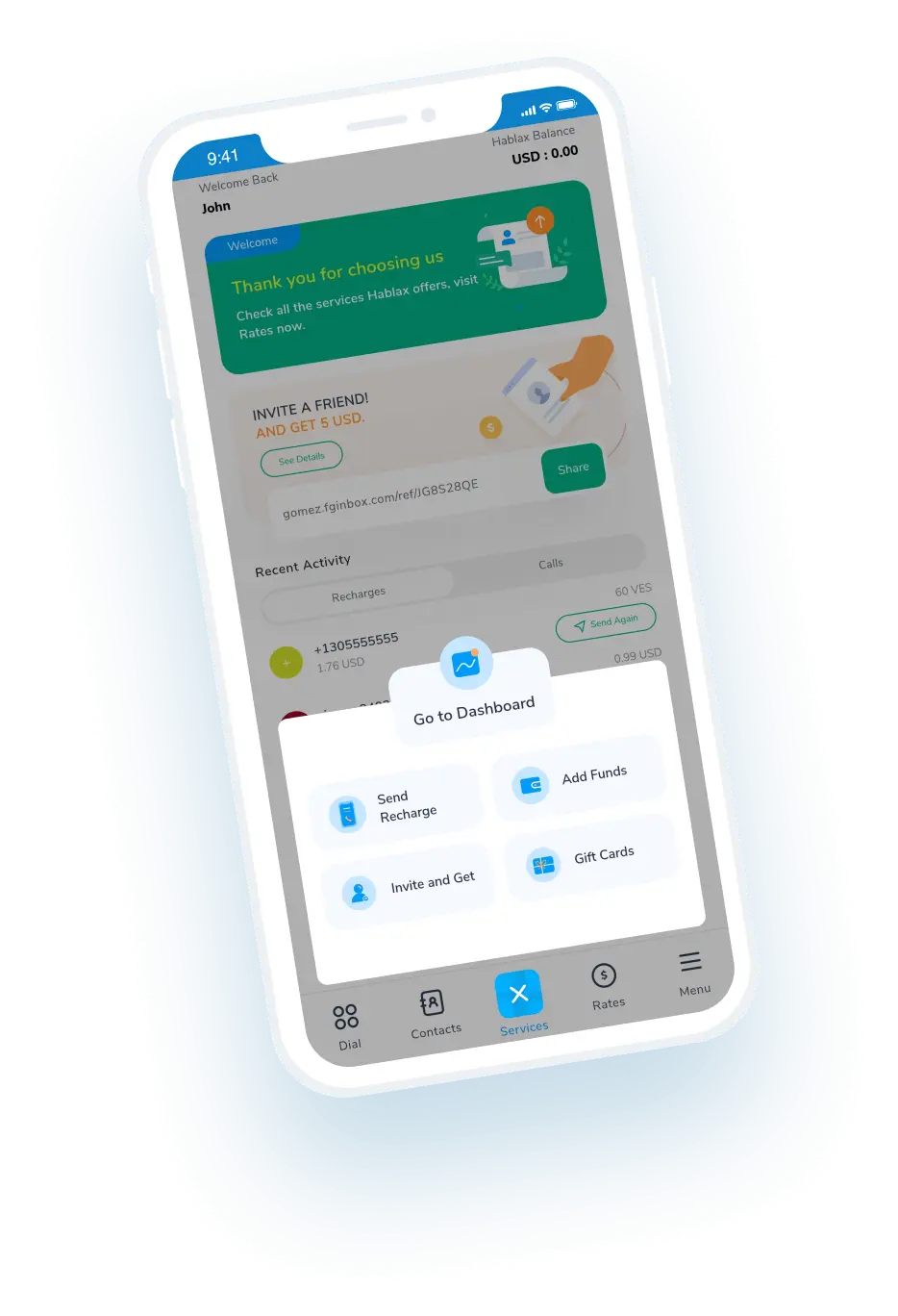
Download Hablax APP

Download Hablax App

Download the Hablax app to enjoy the best top-up services available for Cape Verde. Stay connected with convenient features and user-friendly interfaces designed for effortless use.


Why Use Hablax?

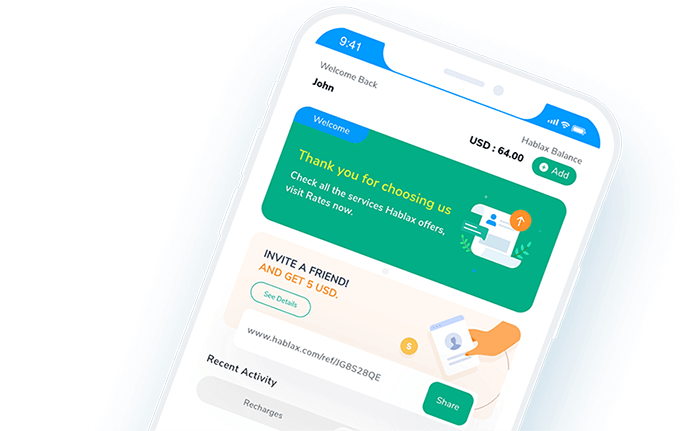
Hablax stands out with its reliable service and comprehensive support, allowing you to effortlessly send international top-ups to Cape Verde. With multiple operators supported, making the right choice has never been simpler. Stay connected with the quality assurance Hablax provides.
Why Hablax

Frequently Asked Questions

FAQs about Hablax in Cape Verde for internet services and operators.
Frequently Asked Questions
To send internet data to mobile phones via Hablax, log into your account through the app or website. Choose the top-up option, select the destination country and internet service. Then, choose the data amount you want to send, enter the phone number, select a payment method, and complete the transaction.
Hablax offers varied payment methods for data top-ups, like Apple Pay, Google Pay, credit and debit cards, PayPal, cryptocurrencies, and in some countries, cash payments or bank transfers.
If the top-up hasn't been received, first verify the transaction's success through your Hablax account. If issues persist, contact our customer service for assistance. We'll check the top-up status and resolve any issues.
Yes, if the data top-up wasn't applied correctly and the transaction was completed, you can request a refund by contacting our customer service. We will review the case and proceed with the refund or rectify the error if necessary.
With Hablax, you can top-up both mobile data and balance for calls and messages. Our platform offers flexibility to choose the top-up type that suits your needs, for staying connected to the internet or for having balance to make calls and send messages.

Customer Service

Contact us for assistance with sending international top-ups

Chat

Chat

Customer Service every day from 10 am to 11 pm (EST, USA) via chat.

Email

E-mail

Available 24/7

Call

Customer Support and Access Numbers

Customer Service daily from 10 am to 11 pm (EST, USA) via calls.