× Logotipo Hablax
SIGN IN SIGN UP

Envie amor com Cartões Presente de Uber Eats Costa Rica

Mantenha-se em contato com seus entes queridos em Costa Rica

Selecione produtos da Uber Eats Costa Rica CRC

15000 CRC
1. Voucher Link will be delivered via email2. Click on the link to activate the voucher3. You will be redirected to the Uber App/ Uber Web Page4. If you are not logged in, you will be prompted to log in to your Uber Account5. Once logged in, the voucher will get automatically added under Wallets -> Vouchers6. If you do not see it, go to your Wallet in the Vouchers section and add the code manually (11 characters at the end of the URL contained
17000 CRC
1. Voucher Link will be delivered via email2. Click on the link to activate the voucher3. You will be redirected to the Uber App/ Uber Web Page4. If you are not logged in, you will be prompted to log in to your Uber Account5. Once logged in, the voucher will get automatically added under Wallets -> Vouchers6. If you do not see it, go to your Wallet in the Vouchers section and add the code manually (11 characters at the end of the URL contained
20000 CRC
1. Voucher Link will be delivered via email2. Click on the link to activate the voucher3. You will be redirected to the Uber App/ Uber Web Page4. If you are not logged in, you will be prompted to log in to your Uber Account5. Once logged in, the voucher will get automatically added under Wallets -> Vouchers6. If you do not see it, go to your Wallet in the Vouchers section and add the code manually (11 characters at the end of the URL contained
25000 CRC
1. Voucher Link will be delivered via email2. Click on the link to activate the voucher3. You will be redirected to the Uber App/ Uber Web Page4. If you are not logged in, you will be prompted to log in to your Uber Account5. Once logged in, the voucher will get automatically added under Wallets -> Vouchers6. If you do not see it, go to your Wallet in the Vouchers section and add the code manually (11 characters at the end of the URL contained
30000 CRC
1. Voucher Link will be delivered via email2. Click on the link to activate the voucher3. You will be redirected to the Uber App/ Uber Web Page4. If you are not logged in, you will be prompted to log in to your Uber Account5. Once logged in, the voucher will get automatically added under Wallets -> Vouchers6. If you do not see it, go to your Wallet in the Vouchers section and add the code manually (11 characters at the end of the URL contained
32000 CRC
1. Voucher Link will be delivered via email2. Click on the link to activate the voucher3. You will be redirected to the Uber App/ Uber Web Page4. If you are not logged in, you will be prompted to log in to your Uber Account5. Once logged in, the voucher will get automatically added under Wallets -> Vouchers6. If you do not see it, go to your Wallet in the Vouchers section and add the code manually (11 characters at the end of the URL contained
35000 CRC
1. Voucher Link will be delivered via email2. Click on the link to activate the voucher3. You will be redirected to the Uber App/ Uber Web Page4. If you are not logged in, you will be prompted to log in to your Uber Account5. Once logged in, the voucher will get automatically added under Wallets -> Vouchers6. If you do not see it, go to your Wallet in the Vouchers section and add the code manually (11 characters at the end of the URL contained
45000 CRC
1. Voucher Link will be delivered via email2. Click on the link to activate the voucher3. You will be redirected to the Uber App/ Uber Web Page4. If you are not logged in, you will be prompted to log in to your Uber Account5. Once logged in, the voucher will get automatically added under Wallets -> Vouchers6. If you do not see it, go to your Wallet in the Vouchers section and add the code manually (11 characters at the end of the URL contained
65000 CRC
1. Voucher Link will be delivered via email2. Click on the link to activate the voucher3. You will be redirected to the Uber App/ Uber Web Page4. If you are not logged in, you will be prompted to log in to your Uber Account5. Once logged in, the voucher will get automatically added under Wallets -> Vouchers6. If you do not see it, go to your Wallet in the Vouchers section and add the code manually (11 characters at the end of the URL contained

Como Funciona?

Passos para usar Hablax em Costa Rica

Baixe o aplicativo Hablax para usar o serviço

Instale o Hablax em seu dispositivo para começar.

Selecione o serviço de cartões presente que deseja comprar

Escolha entre as opções disponíveis de cartões presente digitais.

Finalize a compra do cartão presente

Complete sua compra com segurança com um dos métodos de pagamento.

Desfrute do cartão presente adquirido

Envie o cartão presente para quem você ama e compartilhe momentos especiais!

Entenda o funcionamento da Hablax

Hablax facilita a compra de cartões presente digitais de maneira simples e prática. Siga os passos abaixo.

Blue circle Hablax
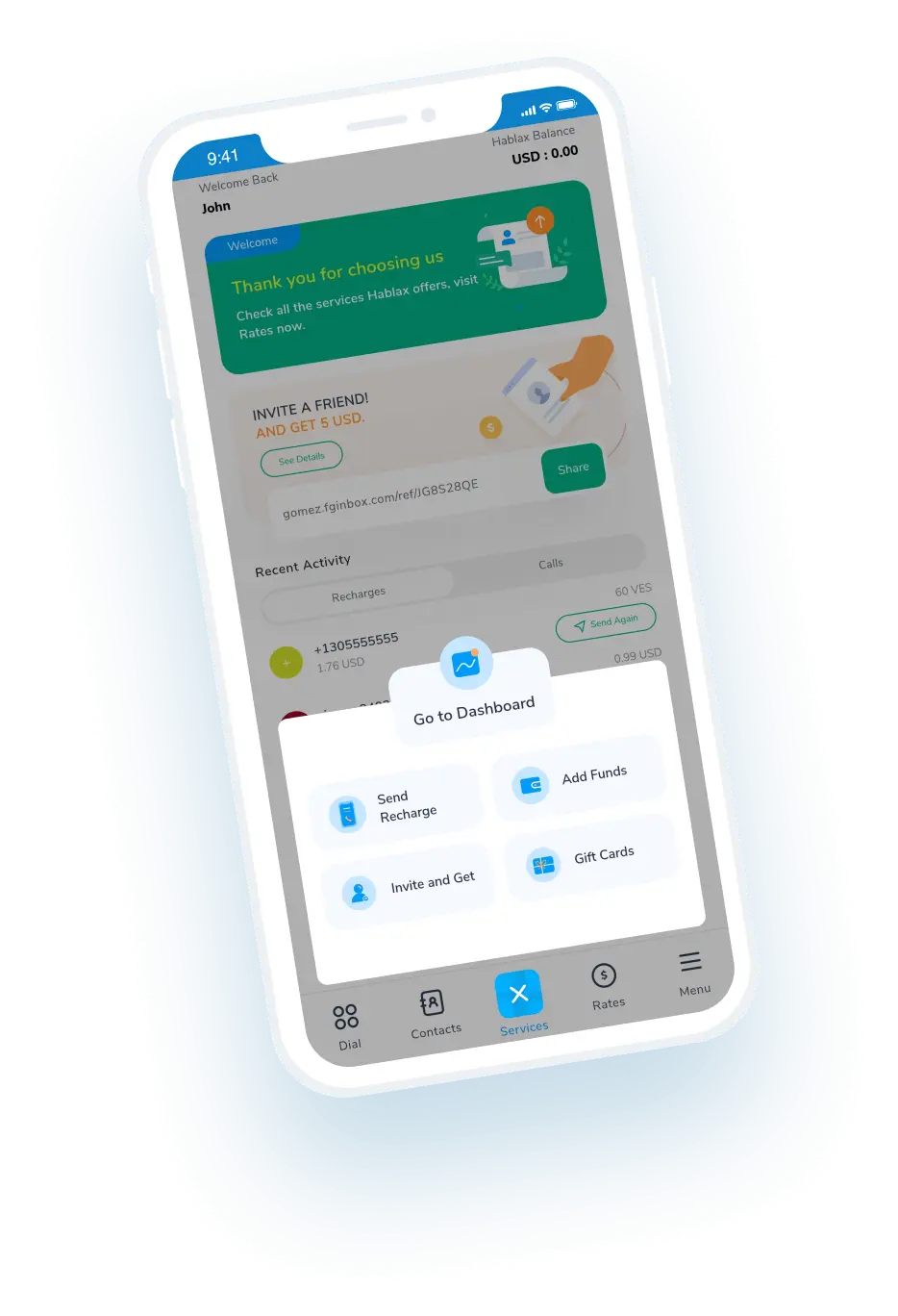
Download Hablax APP

Baixe o aplicativo Hablax

Aproveite todos os serviços disponíveis através do nosso aplicativo em Costa Rica. Instale agora e comece a enviar cartões presente digitais com facilidade e segurança.


Por que usar Hablax?

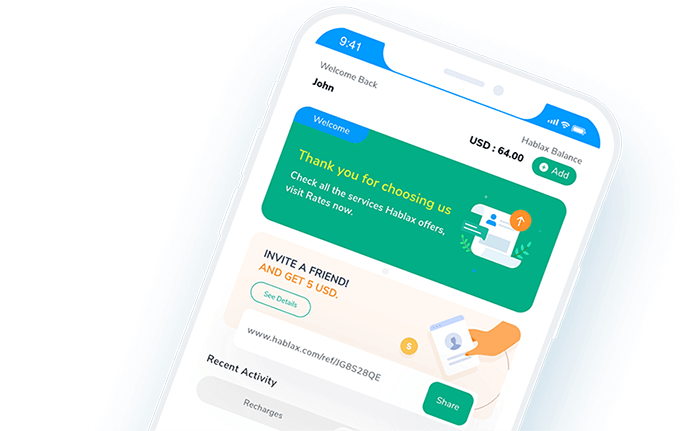
Hablax se destaca pela qualidade de serviço, suporte ao cliente eficiente e opções variadas de cartões presentes digitais. Em Costa Rica, você encontra serviços adaptados às suas necessidades e facilidade na compra de cartões presente online. Estamos aqui para garantir a melhor experiência!
Why Hablax

Perguntas Frequentes

Dúvidas comuns sobre Hablax em Costa Rica e o serviço de Giftcard.
Frequently Asked Questions
Para adquirir um Cartão Presente na Hablax, primeiro acesse sua conta pelo aplicativo ou site. Selecione o país, a opção de Cartões Presente, escolha o tipo desejado, informe os dados do destinatário (se necessário) e finalize o pagamento com um dos métodos disponíveis.
Os dados exigidos incluem o tipo de cartão, o valor a ser carregado e, em alguns casos, os detalhes do destinatário, como email ou número de telefone, dependendo do tipo de Cartão Presente.
Você pode encontrar diversos Cartões Presente, incluindo para lojas populares, plataformas de entretenimento e serviços online. As opções mais comuns incluem cartões para Amazon, Google Play, iTunes e mais.
Sim, algumas Cartões Presente podem ter restrições de uso de acordo com o país de resgate. Essas restrições são definidas pelo emissor do cartão, e recomendamos verificar as políticas do emissor.
Na maioria dos casos, Cartões Presente não podem ser devolvidos ou trocados após a compra, pois são produtos não reembolsáveis. Se houver algum problema, entre em contato com nosso atendimento ao cliente para análise.

Atendimento ao Cliente

Entre em contato conosco para ajudar com o Serviço Uber Eats

Chat

Chat

Atendimento ao Cliente todos os dias das 10h às 23h (Horário do Leste dos EUA) via chat.

Email

E-mail

Disponível 24/7

Call

Atendimento ao Cliente e Números de Acesso

Atendimento ao Cliente todos os dias das 10h às 23h (Horário do Leste dos EUA) por telefone.