× Logotipo Hablax
SIGN IN SIGN UP

Uber Eats Gift Cards - Costa Rica

Treat your loved ones in Costa Rica with Uber Eats gift cards and let them enjoy their favorite meals.

Select Uber Eats Costa Rica Giftcards

15000 CRC
1. Voucher Link will be delivered via email2. Click on the link to activate the voucher3. You will be redirected to the Uber App/ Uber Web Page4. If you are not logged in, you will be prompted to log in to your Uber Account5. Once logged in, the voucher will get automatically added under Wallets -> Vouchers6. If you do not see it, go to your Wallet in the Vouchers section and add the code manually (11 characters at the end of the URL contained
17000 CRC
1. Voucher Link will be delivered via email2. Click on the link to activate the voucher3. You will be redirected to the Uber App/ Uber Web Page4. If you are not logged in, you will be prompted to log in to your Uber Account5. Once logged in, the voucher will get automatically added under Wallets -> Vouchers6. If you do not see it, go to your Wallet in the Vouchers section and add the code manually (11 characters at the end of the URL contained
20000 CRC
1. Voucher Link will be delivered via email2. Click on the link to activate the voucher3. You will be redirected to the Uber App/ Uber Web Page4. If you are not logged in, you will be prompted to log in to your Uber Account5. Once logged in, the voucher will get automatically added under Wallets -> Vouchers6. If you do not see it, go to your Wallet in the Vouchers section and add the code manually (11 characters at the end of the URL contained
25000 CRC
1. Voucher Link will be delivered via email2. Click on the link to activate the voucher3. You will be redirected to the Uber App/ Uber Web Page4. If you are not logged in, you will be prompted to log in to your Uber Account5. Once logged in, the voucher will get automatically added under Wallets -> Vouchers6. If you do not see it, go to your Wallet in the Vouchers section and add the code manually (11 characters at the end of the URL contained
30000 CRC
1. Voucher Link will be delivered via email2. Click on the link to activate the voucher3. You will be redirected to the Uber App/ Uber Web Page4. If you are not logged in, you will be prompted to log in to your Uber Account5. Once logged in, the voucher will get automatically added under Wallets -> Vouchers6. If you do not see it, go to your Wallet in the Vouchers section and add the code manually (11 characters at the end of the URL contained
32000 CRC
1. Voucher Link will be delivered via email2. Click on the link to activate the voucher3. You will be redirected to the Uber App/ Uber Web Page4. If you are not logged in, you will be prompted to log in to your Uber Account5. Once logged in, the voucher will get automatically added under Wallets -> Vouchers6. If you do not see it, go to your Wallet in the Vouchers section and add the code manually (11 characters at the end of the URL contained
35000 CRC
1. Voucher Link will be delivered via email2. Click on the link to activate the voucher3. You will be redirected to the Uber App/ Uber Web Page4. If you are not logged in, you will be prompted to log in to your Uber Account5. Once logged in, the voucher will get automatically added under Wallets -> Vouchers6. If you do not see it, go to your Wallet in the Vouchers section and add the code manually (11 characters at the end of the URL contained
45000 CRC
1. Voucher Link will be delivered via email2. Click on the link to activate the voucher3. You will be redirected to the Uber App/ Uber Web Page4. If you are not logged in, you will be prompted to log in to your Uber Account5. Once logged in, the voucher will get automatically added under Wallets -> Vouchers6. If you do not see it, go to your Wallet in the Vouchers section and add the code manually (11 characters at the end of the URL contained
65000 CRC
1. Voucher Link will be delivered via email2. Click on the link to activate the voucher3. You will be redirected to the Uber App/ Uber Web Page4. If you are not logged in, you will be prompted to log in to your Uber Account5. Once logged in, the voucher will get automatically added under Wallets -> Vouchers6. If you do not see it, go to your Wallet in the Vouchers section and add the code manually (11 characters at the end of the URL contained

How It Works

Steps to use Hablax for Uber Eats Giftcards in Costa Rica

Step 1
Download the Hablax App

Get the app on your mobile device

Step 1
Select the Service

Choose the Uber Eats gift card you want

Step 1
Complete the Purchase

Provide necessary details and finalize the payment

Step 1
Enjoy the Service

Send or use the gift card as you wish

Easy Steps to Get Started

Find out how to easily buy Uber Eats gift cards online

Blue circle Hablax
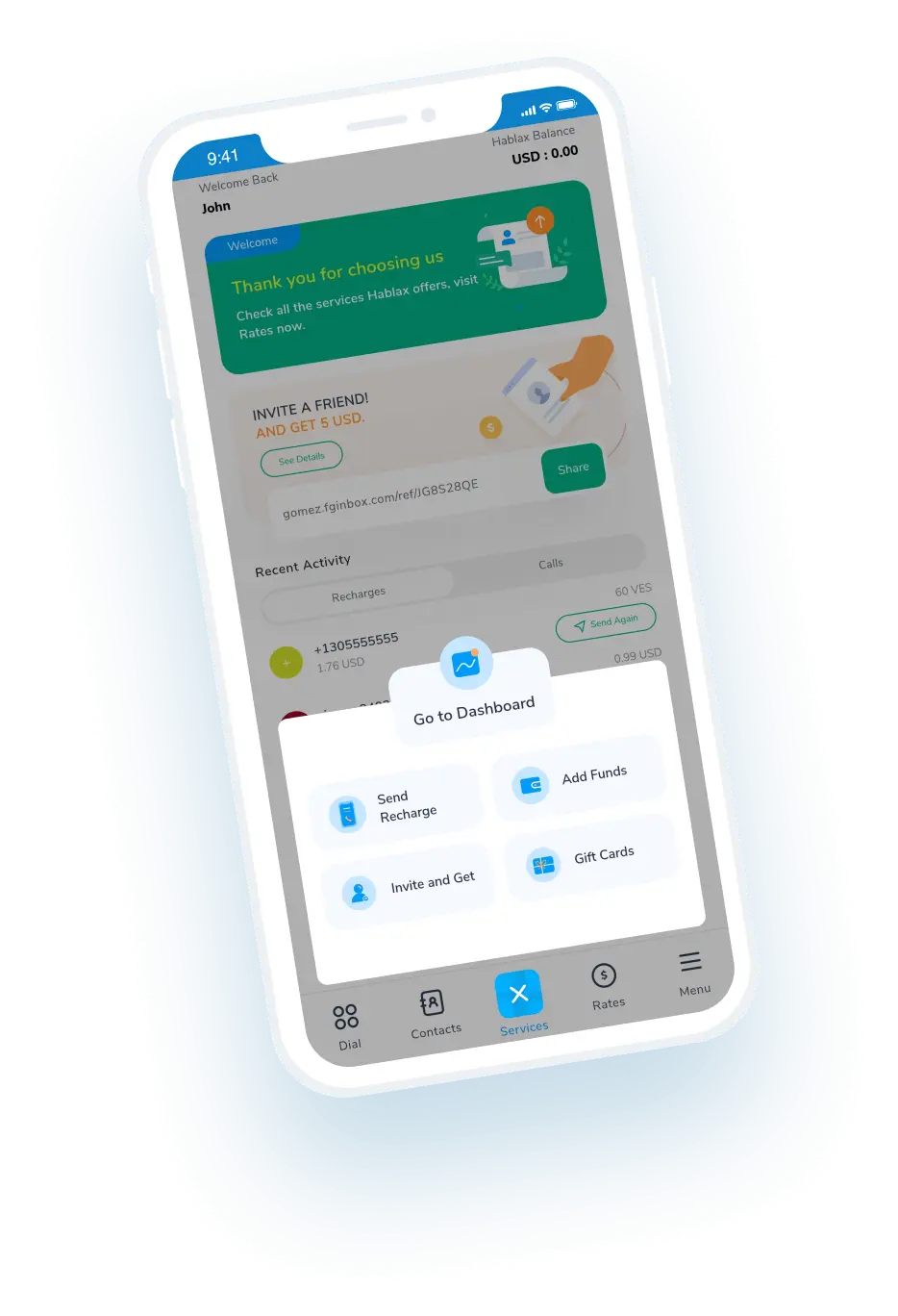
Download Hablax APP

Download the Hablax App

Get the Hablax app to easily purchase Uber Eats gift cards in Costa Rica. Join thousands of satisfied users and enjoy high-rated services.


Why Use Hablax?

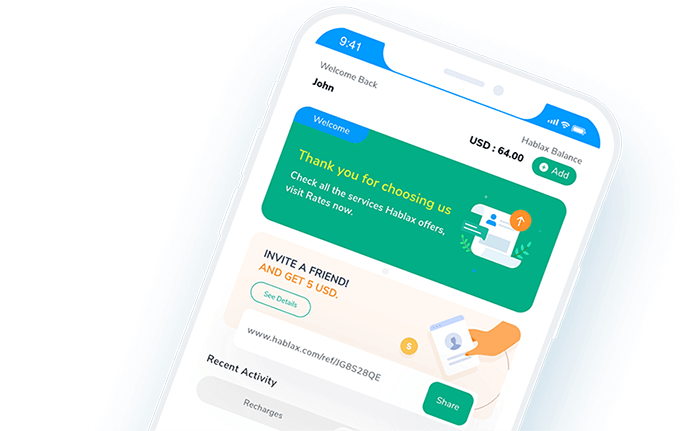
Hablax offers a user-friendly platform to buy Uber Eats gift cards online, ensuring quick and secure transactions. Enjoy excellent customer support and seamless service tailored for Costa Rica.
Why Hablax

Frequently Asked Questions

Common questions about Hablax in Costa Rica and Uber Eats Giftcards.
Frequently Asked Questions
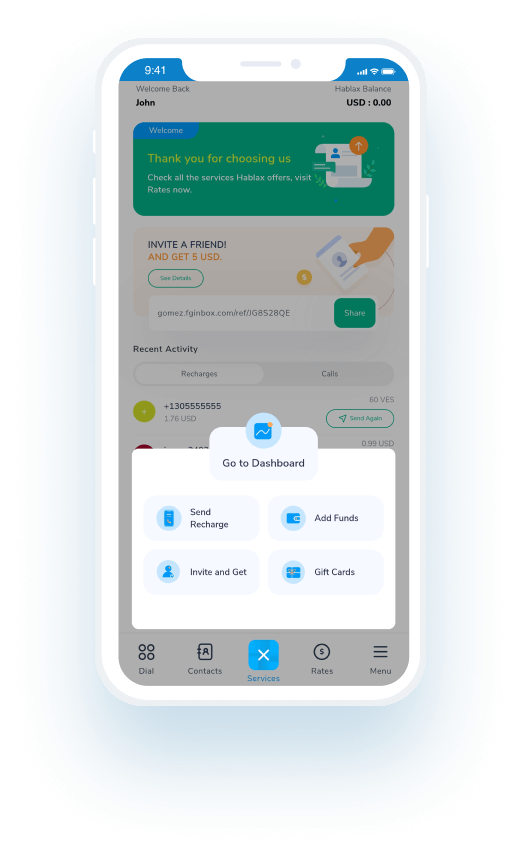
To buy a Gift Card on Hablax, first access your account on the app or website. Then, select Costa Rica as the destination, choose the Uber Eats Gift Card option, detail the amount and recipient details (if applicable), and complete the payment using one of the available methods.
To buy a Gift Card on Hablax, you need to select the type of card, the amount to be added, and, in some cases, the recipient's email address or phone number.
On Hablax, you can purchase various gift cards including those for popular stores, entertainment platforms, gaming consoles, and online services. Some common options include Amazon, Google Play, and iTunes.
Yes, some Gift Cards may have usage restrictions based on the country of redemption. These limitations are set by the card issuer and not by Hablax. It's advisable to check the issuer's policies to ensure the Gift Card can be used in the desired country.
Generally, Gift Cards cannot be returned or exchanged after purchase as they are non-refundable products. However, if you encounter any issues with your purchase, you can contact our customer support for assistance.

Customer Service

Contact us for help with Uber Eats Costa Rica Giftcards

Chat

Chat

Customer Support available every day from 10 am to 11 pm (EST) via chat.

Email

E-mail

Available 24/7

Call

Customer Support and Access Numbers

Customer Support available every day from 10 am to 11 pm (EST) via phone calls.