× Logotipo Hablax
SIGN IN SIGN UP

Stay Connected with Zamtel Internet Services in Zambia

Keep in touch with your loved ones in Zambia

Phone field cannot be empty
Please enter a valid phone number

Select Zamtel Products in Zambia ZMW

110 MB Daily Bundle
110MB, 1 dayValid for 1 day
2.5 GB Weekly Bundle
2.5GB, 1 weekValid for 1 week
6 GB Weekly Bundle
6GB, 1 weekValid for 1 week
13 GB Weekly Bundle
13GB, 1 weekValid for 1 week
5.5 GB Monthly Bundle
5.5GB, 1 monthValid for 1 month
15 GB Monthly Bundle
15GB, 1 monthValid for 1 month
30 GB Monthly Bundle
30GB, 1 monthValid for 1 month

How It Works?

Steps to use Hablax in Zambia for your internet needs

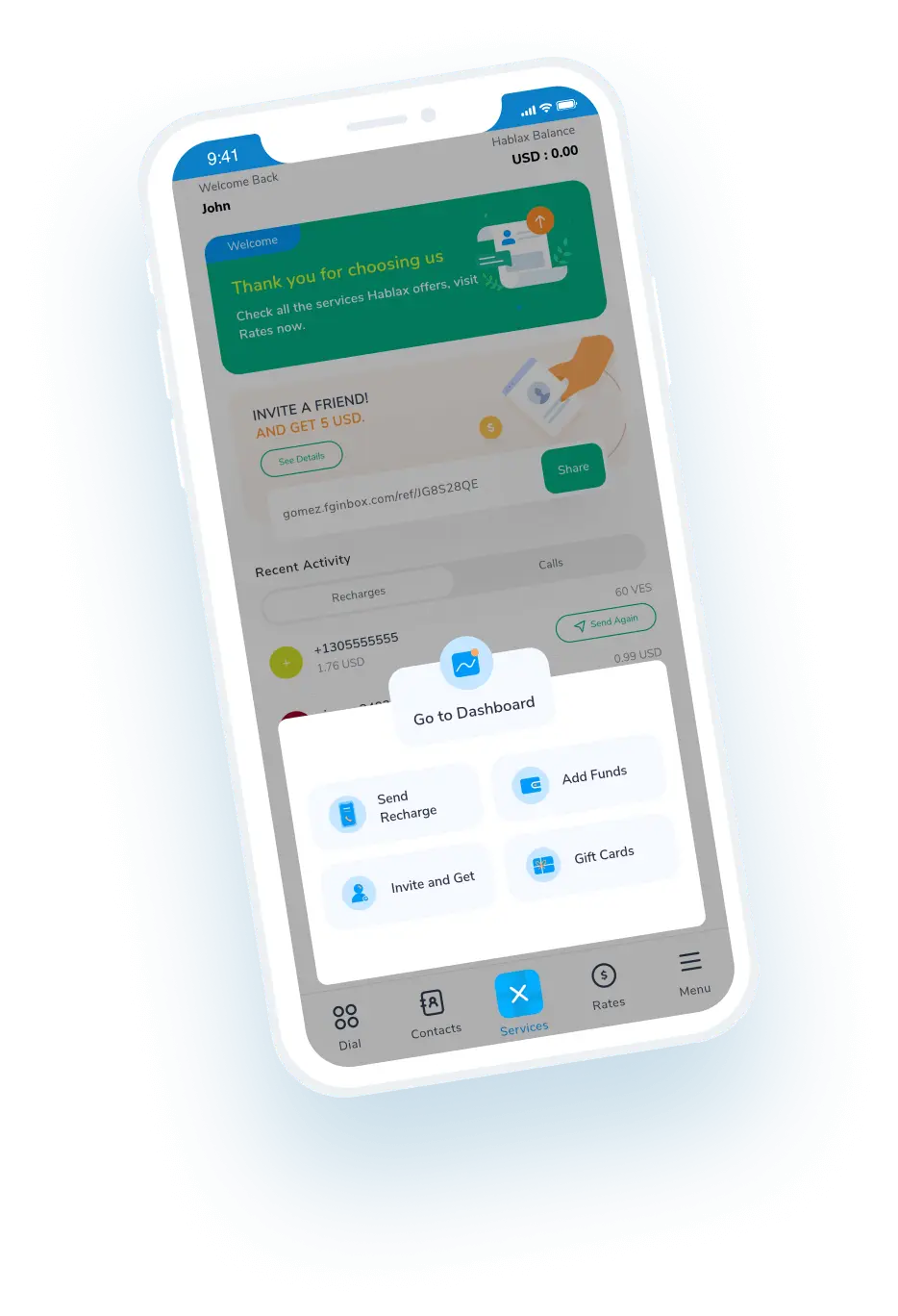
Download the Hablax app to send a TOP-UP

Get the app from your store today.

Select the service you want to send

Choose the top-up amount and service for Zamtel.

Complete the transaction for the chosen service

Ensure the details are right before making the payment.

Enjoy seamless connectivity with the top-up

Your loved ones will appreciate the support!

Understanding How to Send a Top-up

Hablax offers a simple way to send a top-up to your family and friends back in Zambia.

Blue circle Hablax
Download Hablax APP

Download the Hablax App

Access Hablax services to send top-ups easily to Zambia. Enjoy a seamless experience with our app.


Why Use Hablax?

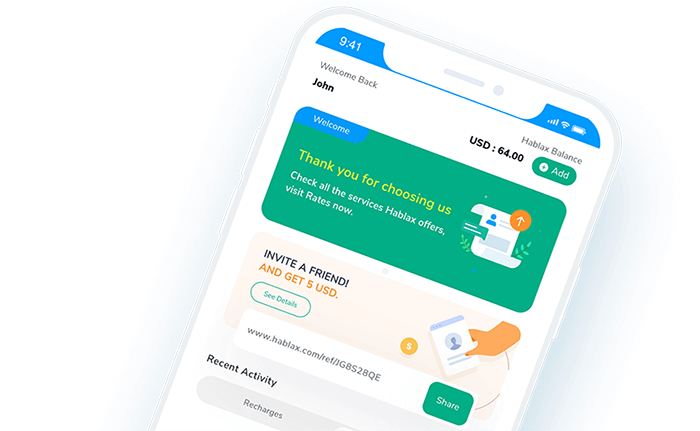
Hablax provides a reliable platform to recharge mobile data and keep you connected with loved ones in Zambia. Our services are designed for convenience and usability, ensuring compatibility with Zamtel and other operators in the region.
Why Hablax

Frequently Asked Questions

Common questions about Hablax services in Zambia.
Frequently Asked Questions
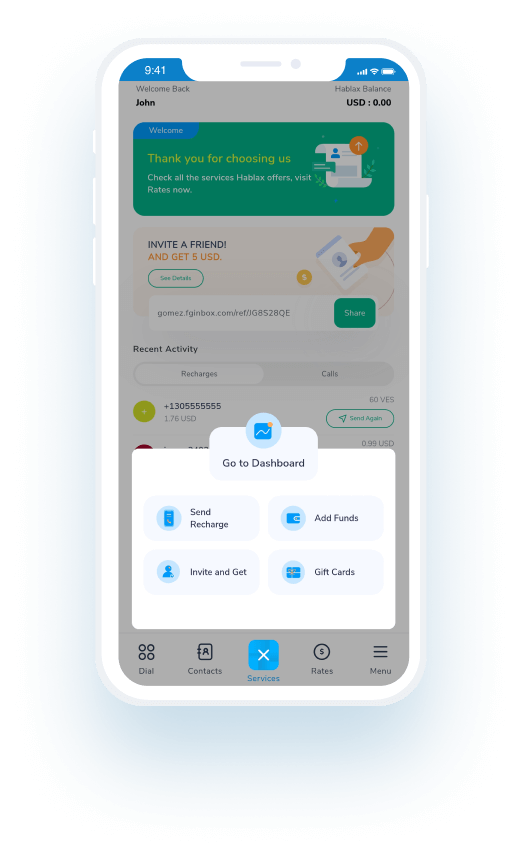
To send an internet top-up, simply log into your Hablax account via the app or website. Select the top-up option, choose Zambia as your destination, the internet service, enter the amount, and finally, input the phone number and complete the payment.
Hablax supports various payment methods including Apple Pay, Google Pay, credit and debit cards, PayPal, and in some countries, cash payments or bank transfers.
If they haven't received the top-up, check your transaction history in Hablax. If necessary, contact customer service for assistance, and we will check the status of the top-up.
Yes, if the top-up was not applied correctly and the transaction has been completed, you can request a refund by contacting our customer service.
With Hablax, you can send top-ups for both mobile data and call/message balance, offering flexibility for your needs.

Customer Service

Contact Us for Assistance with Zamtel Services

Chat

Chat

Customer support available every day from 10 AM to 11 PM (Eastern Standard Time) via chat.

Email

E-mail

Available 24/7

Call

Customer Support and Access Numbers

Customer support available every day from 10 AM to 11 PM (Eastern Standard Time) via calls.