× Logotipo Hablax
SIGN IN SIGN UP

Stay Connected with Movistar Spain EUR – Top-Up Made Simple!

Discover how to send an international top-up effortlessly to your loved ones in Spain. Enjoy seamless internet services with Movistar Spain EUR.

The phone number field cannot be empty
Please enter a valid phone number

Choose Products for Movistar Spain EUR

MOVISTAR BONO NAVEGA
1GB for 7 daysValid for 7 days
MOVISTAR BONO NAVEGA +
7GB for 4 weeksValid for 4 weeks

How Does It Work?

Steps to use Hablax for your services in Spain

Download the Hablax App

Get the Hablax application to start sending top-ups conveniently.

Select the Service You Wish to Purchase

Choose the internet service for Movistar Spain EUR that suits your needs.

Complete the Purchase

Finalize your top-up request securely through our platform.

Enjoy the Internet Service

Your loved ones in Spain can now enjoy seamless connectivity!

Understand Our Easy Process

With a simple interface, sending a top-up to your family and friends in Spain is straightforward!

Blue circle Hablax
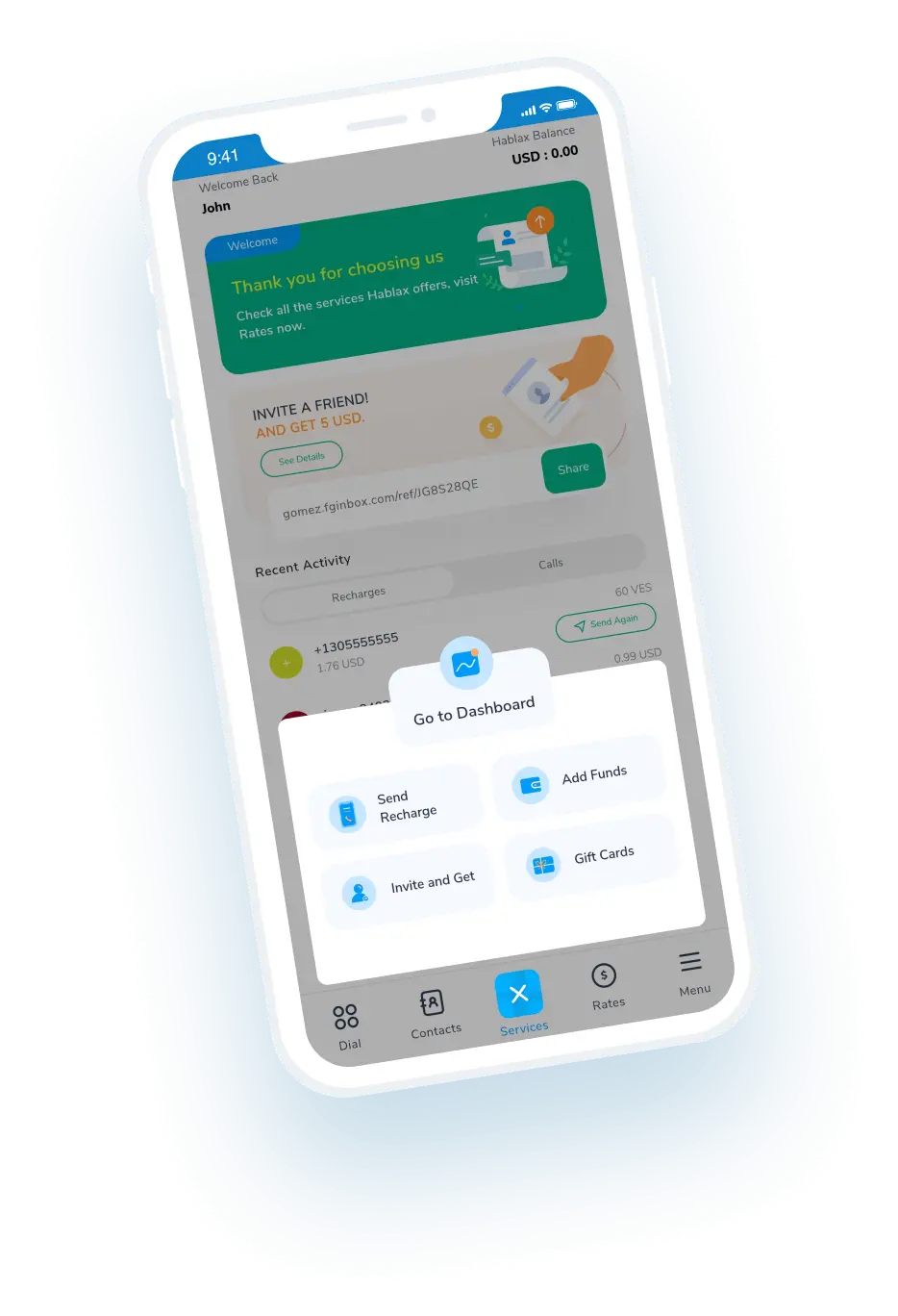
Download Hablax APP

Download the Hablax Application

Download the Hablax app to make sending top-ups to Spain quick and easy, and enjoy features tailored to your needs. Get started today and experience hassle-free service with Movistar Spain EUR!


Why Use Hablax?

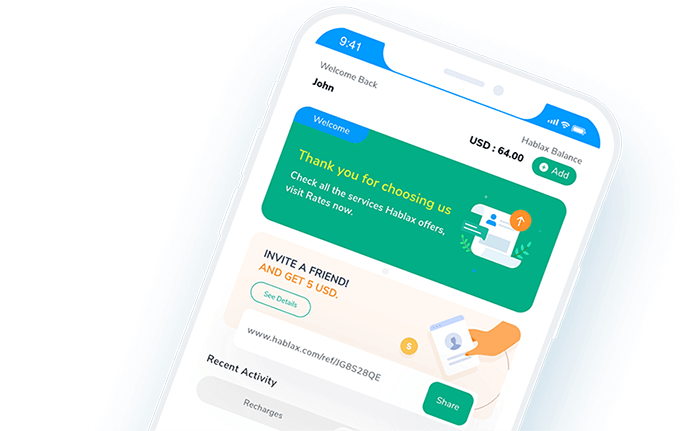
Hablax stands out for its quality service and support. We ensure that your top-ups to Movistar Spain EUR reach your loved ones quickly and securely, keeping you connected no matter the distance.
Why Hablax

Frequently Asked Questions

Common inquiries about Hablax in Spain and the services we offer.
Frequently Asked Questions
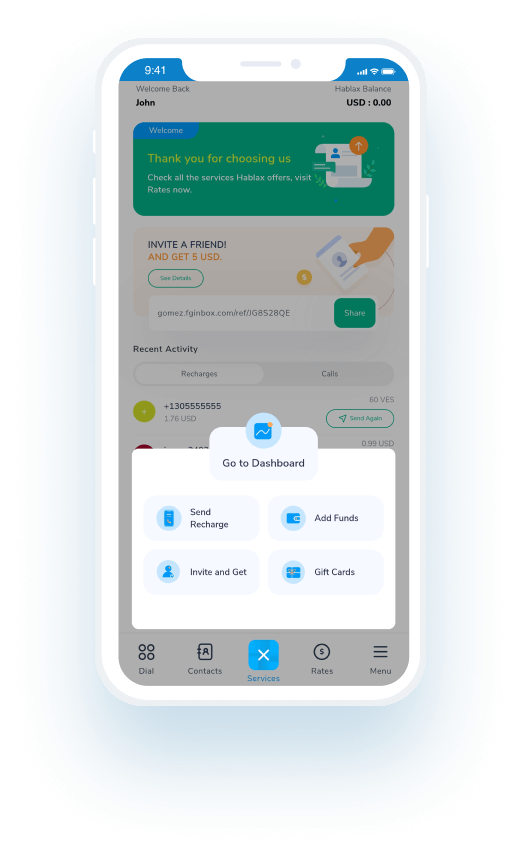
To send internet data to a loved one's mobile number via Hablax, log into your account through the app or website, select the top-up option, choose the destination country, and the internet service. Pick the data amount you want to send, enter the phone number, and finally select your payment method to complete the transaction.
Hablax provides a variety of payment methods for topping up data, including Apple Pay, Google Pay, cryptocurrencies, credit and debit cards, PayPal, and in some countries, cash payments or bank transfers.
If your loved one hasn't received the data top-up, first check if the transaction was successful from your Hablax account. If the issue persists, contact our customer support for assistance. We will check the status of the top-up and resolve any issues.
Yes, if the data top-up does not apply correctly and the transaction was completed, you can request a refund by contacting our customer service. We will investigate the case, and if warranted, we will issue a refund or correct the mistake.
At Hablax, you can top up either mobile data only or also credit for calls and messages. Our platform offers flexibility to choose the type of top-up that best fits your needs, whether to stay connected to the internet or to have credit for making calls and sending messages.

Customer Service

Contact us for assistance with your Movistar services

Chat

Chat

Customer support available every day from 10 AM to 11 PM (Eastern Time, USA) via chat.

Email

E-mail

Available 24/7

Call

Customer Service and Access Numbers

Customer support available every day from 10 AM to 11 PM (Eastern Time, USA) via calls.