× Logotipo Hablax
SIGN IN SIGN UP

Send Easy Internet Top-Ups to Africell Sierra Leone SLE Online

Stay connected with your loved ones in Sierra Leone by sending international top-ups effortlessly. Discover how now!

How Does It Work?

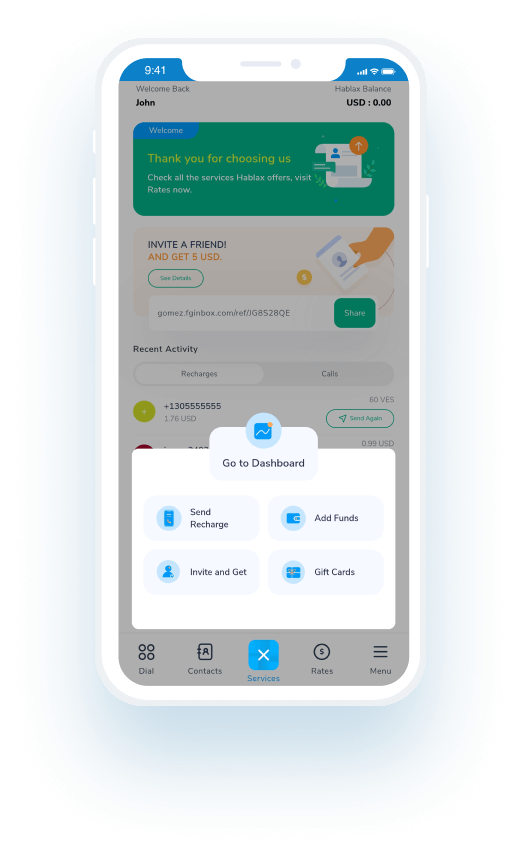
Steps to use Hablax in Sierra Leone with Africell SLE

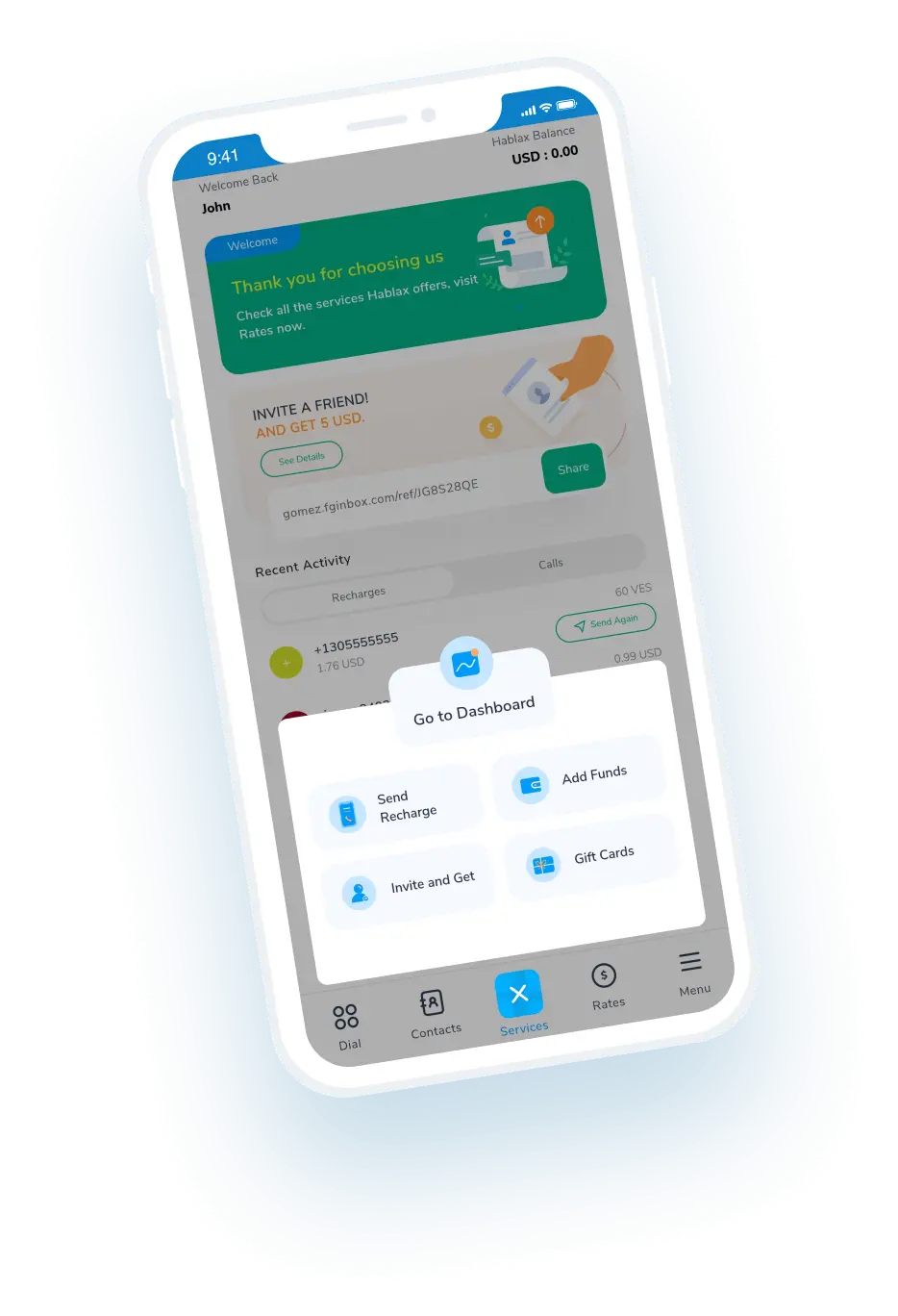
Download the Hablax App to Use Our Service

Get the app from your app store to get started.

Select the Service You Want to Purchase

Choose the internet top-up that suits your needs.

Complete Your Purchase

Finalize your purchase by entering your payment details.

Enjoy Your Internet from Africell

Connect and enjoy staying in touch with your loved ones.

Understanding How Hablax Works for You

Hablax makes sending a top-up as easy as a few clicks. Let's walk you through the process.

Blue circle Hablax
Download Hablax APP

Download the Hablax App

Get the Hablax app today to send top-ups to Africell Sierra Leone SLE effortlessly. Enjoy a smooth experience and stay connected with your loved ones in Sierra Leone. Join thousands of users who trust Hablax for their international top-up needs.


Why Use Hablax?

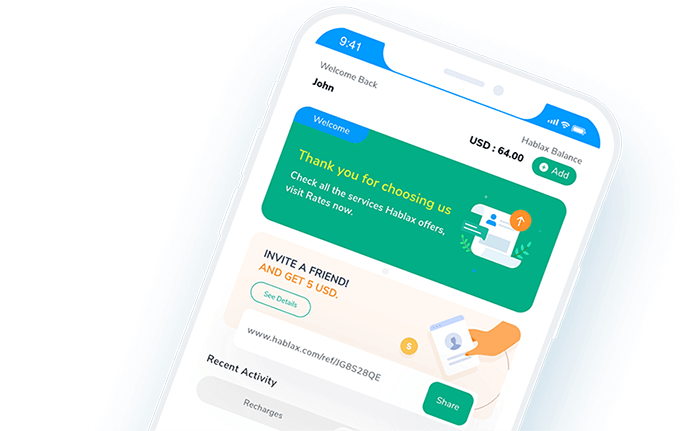
Hablax is dedicated to providing seamless top-up services that set us apart from the competition. Our commitment to quality, customer support, and local understanding in Sierra Leone ensures that you can stay connected easily. Benefit from our user-friendly platform and experience superior service.
Why Hablax

Frequently Asked Questions

Common questions about Hablax in Sierra Leone.
Frequently Asked Questions
To top up internet data to your loved ones' mobile phone through Hablax, log in to your account. Select the top-up option, choose Sierra Leone as the destination, select the internet service, and specify the data amount. Finally, enter the phone number and complete the payment.
Hablax offers a variety of payment options for data top-ups, including Apple Pay, Google Pay, credit and debit cards, PayPal, and in some regions, cash or bank transfers.
If your loved one hasn't received the data top-up, firstly check your Hablax account to confirm the transaction was successful. If issues persist, please contact our customer service for assistance.
Yes, if the data top-up fails to apply correctly and the transaction was completed, you can request a refund by reaching out to our customer service.
With Hablax, you can top up both mobile data and balance for calls and messages. The platform offers flexibility to choose the type of top-up that best fits your needs.

Customer Service

Contact Us for Assistance with Sending Top-Ups

Chat

Chat

Customer Support available daily from 10 am to 11 pm (EST) via chat.

Email

E-mail

Available 24/7

Call

Customer Support and Access Numbers

Customer Support available daily from 10 am to 11 pm (EST) via calls.