× Logotipo Hablax
SIGN IN SIGN UP

Send Mas Movil Panama USD Mobile Top-ups Easily to Your Loved Ones

Experience the convenience of online top-up mobile balance to other countries with Mas Movil Panama USD. Stay connected effortlessly!

The phone field cannot be empty
Please enter a valid phone number

Choose Mas Movil Panama USD Products

2 USD
3 USD
4 USD
5 USD
6 USD
7 USD
8 USD
9 USD
10 USD
15 USD
20 USD
30 USD
40 USD

How Does It Work?

Steps to use Hablax for sending top-ups to Mas Movil Panama USD.

Download the Hablax App

Start by downloading the Hablax app from your preferred app store.

Select Your Service
Select Your Service

Choose the top-up product you want and enter the phone number for the country.

Choose Payment Method and Complete Purchase

Select your preferred payment option and finalize your purchase swiftly.

Recipient Gets the Top-up in Minutes

Your loved one will receive the mobile balance in just a few moments, keeping you connected.

Your Guide to Sending Top-ups Effortlessly

Using Hablax to send mobile top-ups is simple. Follow these straightforward steps for a seamless experience.

Blue circle Hablax
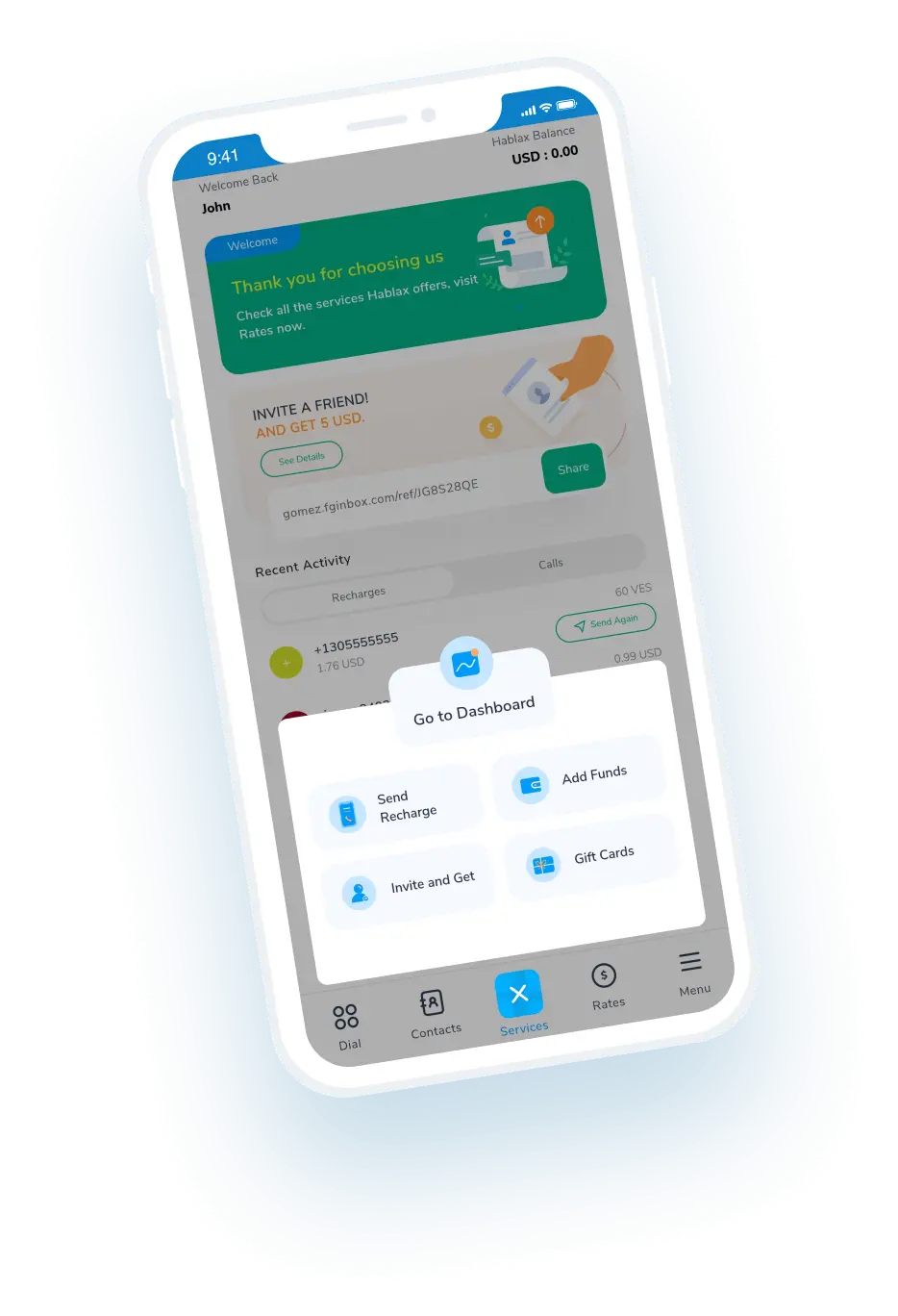
Download Hablax APP

Download the Hablax App

Get the Hablax app today and start sending top-ups to Panama effortlessly! With a user-friendly interface and various options, staying in touch with family and friends is just a few clicks away.


Why Use Hablax?

Hablax stands out for its exceptional customer service and ease of use. We ensure prompt transactions and support for all users. Sending top-ups to Panama has never been easier—experience our fast and reliable platform today!
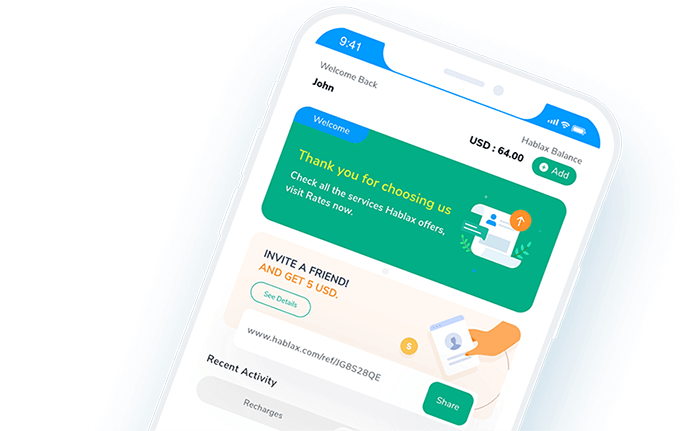
Why Hablax

Frequently Asked Questions

Common questions about Hablax services for Panama.
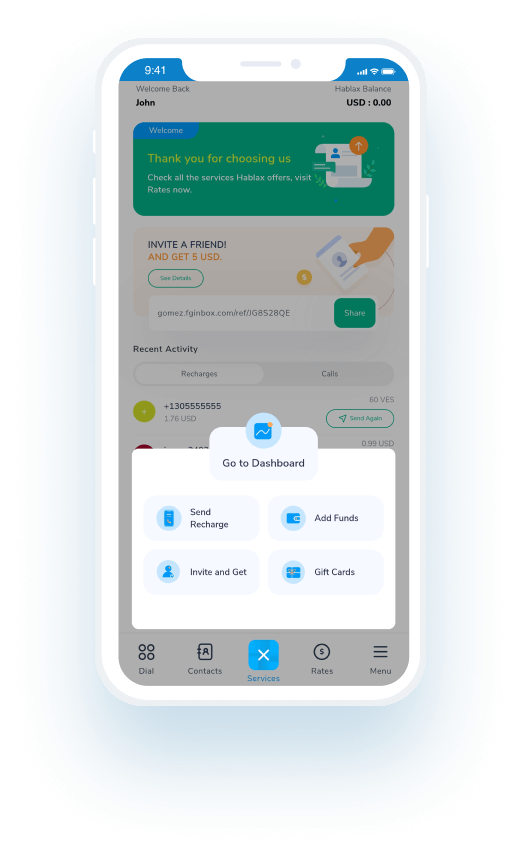
Frequently Asked Questions
To send an international mobile top-up to Panama using Hablax, log into your account via the app or website. Next, select the destination country, enter the phone number, and choose the top-up amount. Finally, select your payment method and confirm the transaction.
Hablax offers various payment options for international top-ups, including Apple Pay, Google Pay, cryptocurrencies, credit and debit cards, PayPal, and in some countries, cash payments or bank transfers.
International mobile top-ups through Hablax are processed almost instantly, although it may take a few minutes depending on the operator and the connection.
Once the top-up is complete, the recipient will receive a notification on their mobile phone confirming the addition of funds.
You can add multiple top-ups for different countries or to the same country in your shopping cart and make a single payment.

Customer Service

Contact us for assistance with Mobile Services

Chat

Chat

Customer support available daily from 10 AM to 11 PM (Eastern Time, USA) via chat.

Email

E-mail

Available 24/7

Call

Customer Support and Access Numbers

Customer support available daily from 10 AM to 11 PM (Eastern Time, USA) via phone.