× Logotipo Hablax
SIGN IN SIGN UP

Buy Gift Cards Online with PhonePe India INR for Your Loved Ones

Discover the convenience of digital gift cards. Purchase giftcards online for seamless transactions and enjoy instant access to your favorites.

Select Products from PhonePe India INR

PhonePe Giftcard 100 INR 12 Months
How to useTo link your Gift Card to your PhonePe account, follow these steps:Open the PhonePe app and log in. Access 'My Profile' and choose 'All payment methods'. Click on 'PhonePe Gift Card' and select 'Claim now.'Enter your Gift Card number and PIN, then click 'Add Gift Card' to link it.To use your linked Gift Card for payments:When making eligible merchant transactions, your Gift Card balance is automatically available fo
PhonePe Giftcard 500 INR 12 Months
How to useTo link your Gift Card to your PhonePe account, follow these steps:Open the PhonePe app and log in. Access 'My Profile' and choose 'All payment methods'. Click on 'PhonePe Gift Card' and select 'Claim now.'Enter your Gift Card number and PIN, then click 'Add Gift Card' to link it.To use your linked Gift Card for payments:When making eligible merchant transactions, your Gift Card balance is automatically available fo
PhonePe Giftcard 1000 INR 12 Months
How to useTo link your Gift Card to your PhonePe account, follow these steps:Open the PhonePe app and log in. Access 'My Profile' and choose 'All payment methods'. Click on 'PhonePe Gift Card' and select 'Claim now.'Enter your Gift Card number and PIN, then click 'Add Gift Card' to link it.To use your linked Gift Card for payments:When making eligible merchant transactions, your Gift Card balance is automatically available fo
PhonePe Giftcard 2000 INR 12 Months
How to useTo link your Gift Card to your PhonePe account, follow these steps:Open the PhonePe app and log in. Access 'My Profile' and choose 'All payment methods'. Click on 'PhonePe Gift Card' and select 'Claim now.'Enter your Gift Card number and PIN, then click 'Add Gift Card' to link it.To use your linked Gift Card for payments:When making eligible merchant transactions, your Gift Card balance is automatically available fo
PhonePe Giftcard 5000 INR 12 Months
How to useTo link your Gift Card to your PhonePe account, follow these steps:Open the PhonePe app and log in. Access 'My Profile' and choose 'All payment methods'. Click on 'PhonePe Gift Card' and select 'Claim now.'Enter your Gift Card number and PIN, then click 'Add Gift Card' to link it.To use your linked Gift Card for payments:When making eligible merchant transactions, your Gift Card balance is automatically available fo

How Does It Work?

Steps to use Hablax in India with PhonePe India INR

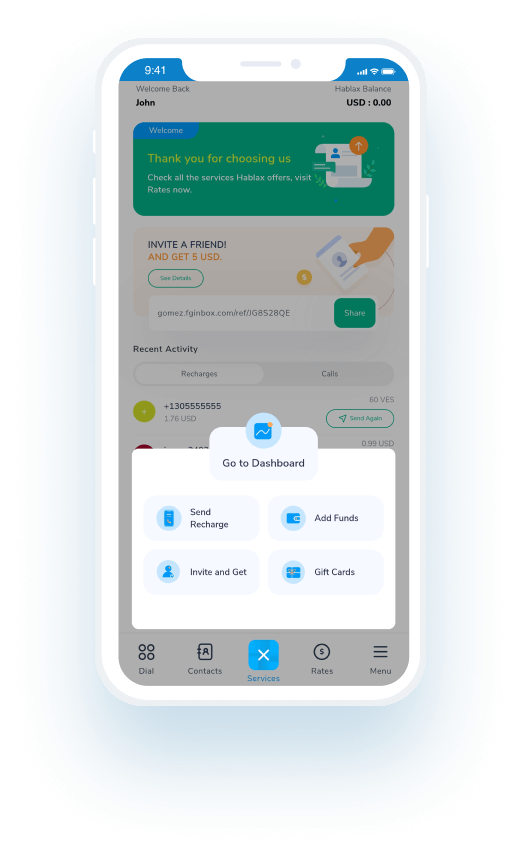
Download the Hablax App to Access Services

Start by downloading the Hablax app to explore various services.

Select the Service You Wish to Purchase

Choose the type of gift card you want to buy for easy access on PhonePe India INR.

Complete the Purchase for Your Selected Gift Card

Finalize your gift card purchase with just a few taps in the app.

Enjoy Using Your Gift Card Through PhonePe India INR

Use your newly purchased digital gift card seamlessly on PhonePe India INR.

Understanding the Process of Hablax

Follow these simple steps to purchase and enjoy your digital gift cards efficiently.

Blue circle Hablax
Download Hablax APP

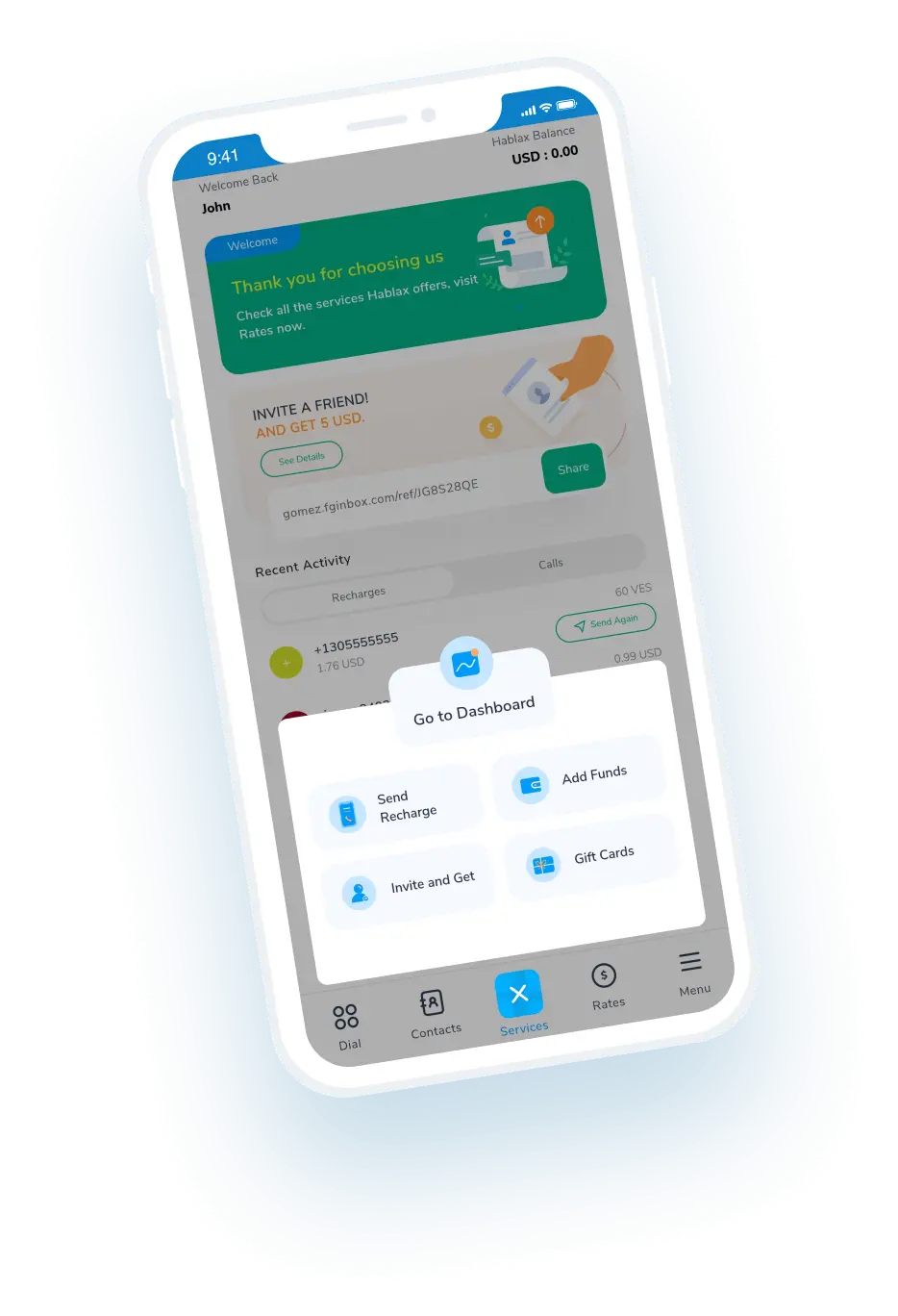
Download the Hablax App

Get the Hablax app now to access a variety of services, including gift cards for PhonePe India INR. Join numerous satisfied users and enjoy a streamlined buying experience. Download today to start saving time and effort!


Why Choose Hablax?

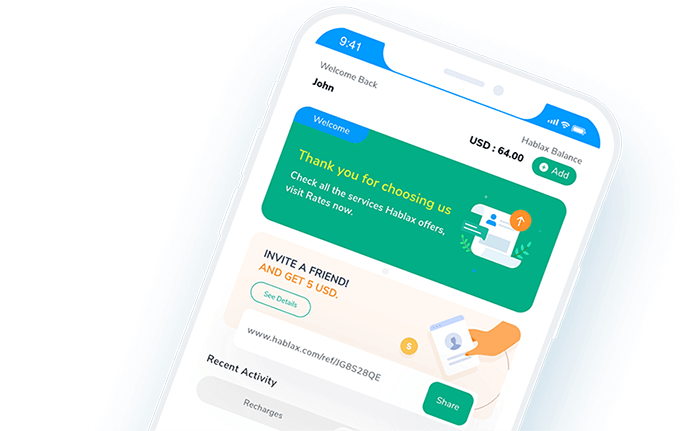
At Hablax, we prioritize quality and convenience in our services. Our unique offerings and dedicated support ensure a hassle-free experience when purchasing gift cards. You can easily purchase digital gift cards tailored for PhonePe India INR, facilitating effortless transactions and making it a popular choice among users in India.
Why Hablax

Frequently Asked Questions

Common queries about Hablax and Gift Cards.
Frequently Asked Questions
To buy a Gift Card on Hablax, log into your account through the app or website. Select the destination country and the Gift Card option, choose the type of Gift Card you want, enter the recipient's details (if required), and complete the payment using one of the available payment methods.
You will need to know what type of Gift Card you wish to purchase, the amount to load, and in some cases, the recipient's details such as their email or phone number, depending on the Gift Card type.
With Hablax, you can purchase various types of Gift Cards, including gift cards for popular stores, entertainment platforms, gaming consoles, and online services. Common options include Amazon, Google Play, iTunes, and other digital platforms.
Yes, many Gift Cards may have usage restrictions based on the country where the card is redeemed. These restrictions are set by the card issuer and not by Hablax. It is advisable to review the issuer's policies to confirm that the Gift Card will work in the desired country.
Generally, Gift Cards cannot be returned or exchanged after purchase, as they are non-refundable products. However, if you encounter any issues with your purchase, please contact our customer service for assistance.

Customer Service

Contact Us for Assistance with Your Gift Card Needs

Chat

Chat

Customer Service available every day from 10 AM to 11 PM (Eastern Time, USA) via chat.

Email

E-mail

Available 24/7

Call

Customer Service and Access Numbers

Customer Service available every day from 10 AM to 11 PM (Eastern Time, USA) via calls.