× Logotipo Hablax
SIGN IN SIGN UP

Unlock Digital Experiences with Playstation GiftCard France EUR

Stay connected with your loved ones in France through our digital gift cards

Select Playstation GiftCard France EUR Products

Sony PSN Digital code 10 EUR - Console
1. Navigate to the PlayStation Network icon (PlayStation Network) and choose the PlayStation Store icon (PlayStation Store).2. After the PlayStation Store loads, you will see Redeem Codes at the bottom of the main menu on the left-hand side of the screen.Valid for 365 days
Sony PSN Digital code 20 EUR - Console
1. Inicie sesión en su cuenta SEN. Si no tiene una cuenta, cree una en playstation.com.2. Vaya a PlayStation Store desde su consola o a través de nuestro sitio web.3. Seleccione la opción Usar códigos en PS Vita, primero toque el icono Opciones en la parte inferior de la pantalla.4. Ingrese el código promocional de 12 dígitos y seleccione Continuar.5. Siga las instrucciones en pantalla para canjear su código promocional
Sony PSN Digital code 50 EUR - Console
1. Inicie sesión en su cuenta SEN. Si no tiene una cuenta, cree una en playstation.com.2. Vaya a PlayStation Store desde su consola o a través de nuestro sitio web.3. Seleccione la opción Usar códigos en PS Vita, primero toque el icono Opciones en la parte inferior de la pantalla.4. Ingrese el código promocional de 12 dígitos y seleccione Continuar.5. Siga las instrucciones en pantalla para canjear su código promocional
Sony PSN Digital code 60 EUR - Console
1. Navigate to the PlayStation Network icon (PlayStation Network) and choose the PlayStation Store icon (PlayStation Store).2. After the PlayStation Store loads, you will see Redeem Codes at the bottom of the main menu on the left-hand side of the screen.Valid for 365 days
Sony PSN Digital code 80 EUR - Console
1. Inicie sesión en su cuenta SEN. Si no tiene una cuenta, cree una en playstation.com.2. Vaya a PlayStation Store desde su consola o a través de nuestro sitio web.3. Seleccione la opción Usar códigos en PS Vita, primero toque el icono Opciones en la parte inferior de la pantalla.4. Ingrese el código promocional de 12 dígitos y seleccione Continuar.5. Siga las instrucciones en pantalla para canjear su código promocional
Sony PSN Digital code 100 EUR - Console
1. Navigate to the PlayStation Network icon (PlayStation Network) and choose the PlayStation Store icon (PlayStation Store).2. After the PlayStation Store loads, you will see Redeem Codes at the bottom of the main menu on the left-hand side of the screen.Valid for 365 days
Sony PSN Digital code 150 EUR - Console
1. Inicie sesión en su cuenta SEN. Si no tiene una cuenta, cree una en playstation.com.2. Vaya a PlayStation Store desde su consola o a través de nuestro sitio web.3. Seleccione la opción Usar códigos en PS Vita, primero toque el icono Opciones en la parte inferior de la pantalla.4. Ingrese el código promocional de 12 dígitos y seleccione Continuar.5. Siga las instrucciones en pantalla para canjear su código promocional

How It Works

Steps to use Hablax in France for purchasing giftcards

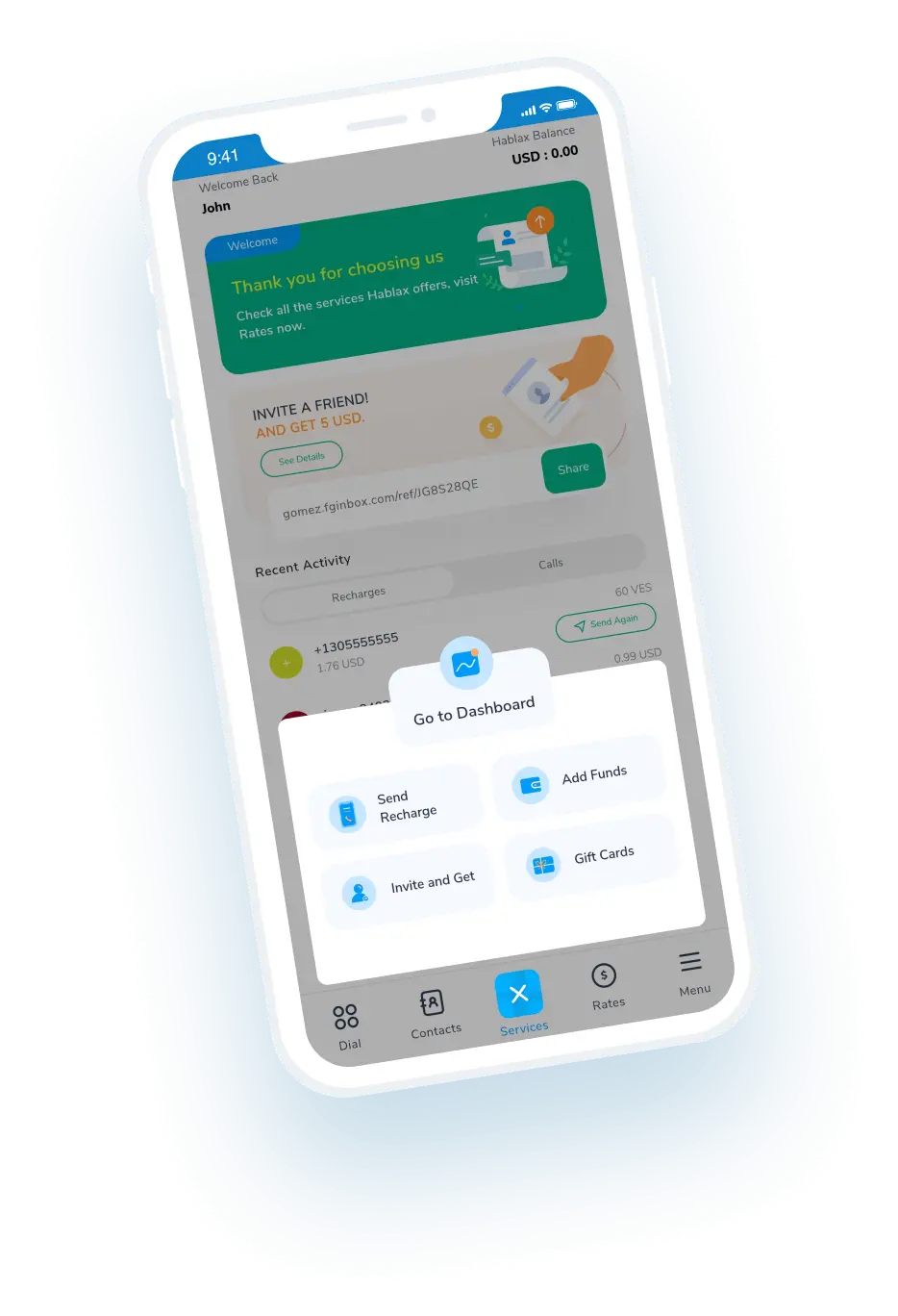
Download the Hablax App to Purchase Gift Cards

Grab the app from your preferred store for a seamless buying experience

Select the Gift Card Service You Need

Explore and choose from a variety of Digital gift cards available

Finalize Your Gift Card Purchase

Complete your purchase by selecting a payment method that suits you

Enjoy the Service
Enjoy the Service

Redeem your gift card and dive into the digital world at your fingertips

Step-by-step Guide to Use Hablax

Easily Buy gift cards online and enjoy digital content

Blue circle Hablax
Download Hablax APP

Download the Hablax App

Get the Hablax app in France to easily buy and manage your digital gift cards, including operators like Playstation GiftCards


Why Choose Hablax?

Choose Hablax for a reliable and secure way to Purchase giftcards online. We offer round-the-clock support and a user-friendly platform for all digital needs in France.
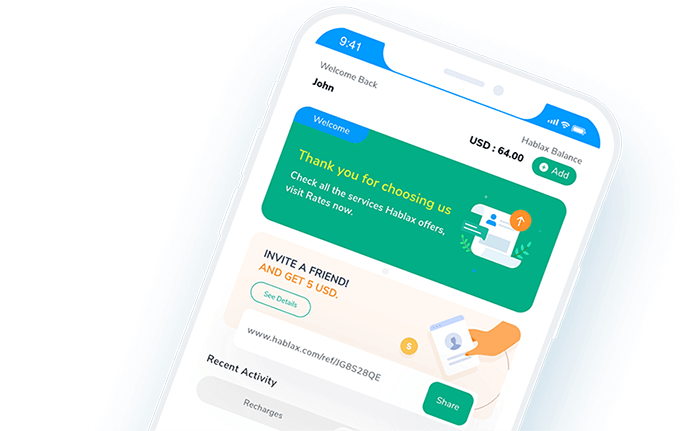
Why Hablax

Frequently Asked Questions

FAQs about Hablax in France for giftcard services.
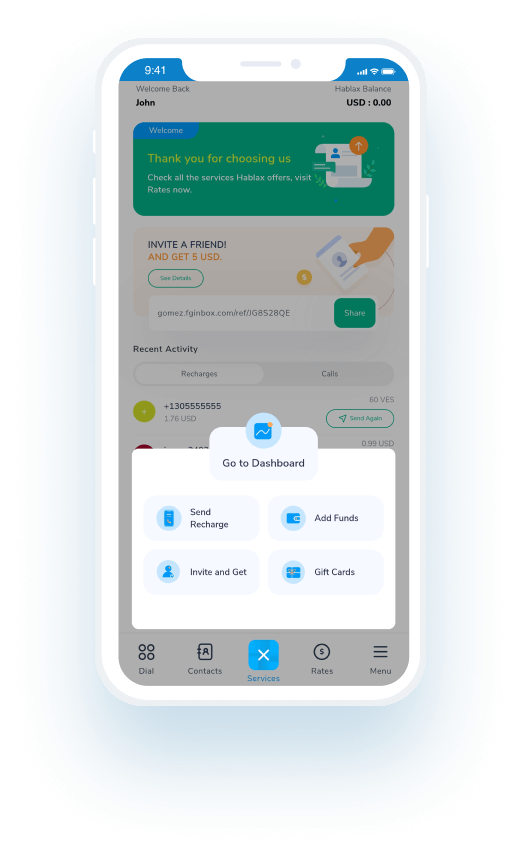
Frequently Asked Questions
To Purchase a giftcard online using Hablax, log in to your account through the app or website, select the destination country, choose the type of giftcard, and complete the transaction.
You'll need to choose the type of giftcard, specify the amount you wish to purchase, and sometimes enter recipient details such as their email or phone number.
Hablax offers a wide range of giftcards including popular digital services like Amazon, Google Play, iTunes, and more.
Yes, some giftcards may have use restrictions based on the country. These are defined by the card issuer, not Hablax. Check issuer policies to confirm card usability.
Generally, giftcards are non-refundable and non-exchangeable. However, contact our support if you encounter issues with your purchase.

Customer Service

Contact us for assistance with Playstation GiftCard

Chat

Chat

Customer Support available daily from 10 am to 11 pm (EST, USA) via chat.

Email

E-mail

Available 24/7

Call

Customer Service and Access Numbers

Customer Support available daily from 10 am to 11 pm (EST, USA) by calls.