× Logotipo Hablax
SIGN IN SIGN UP

eSIM Egypt USD PIN: Seamlessly Send a Top-Up to Your Loved Ones

Stay connected with your family and friends in Egypt by learning how to send an international top-up easily.

Explore Products for eSIM Egypt USD PIN

1 GB 7 days Egypt
3 GB 15 days Egypt
10 GB 30 days Egypt
20 GB 7 days Egypt

How Does It Work?

Steps to use Hablax for sending top-ups to Egypt

Download the Hablax app to use the service

Start by downloading our app, available on all major platforms.

Select the top-up service you wish to purchase

Choose the right top-up option for the service being used.

Complete the purchase for the selected service

Follow the prompts to finalize your top-up transaction.

Enjoy the top-up service with eSIM Egypt USD PIN

Confirm the successful top-up and enjoy staying connected.

Understanding How to Send a Top-Up

Using Hablax is easy and quick. Here’s a simple guide on how you can send an international top-up to your loved ones.

Blue circle Hablax
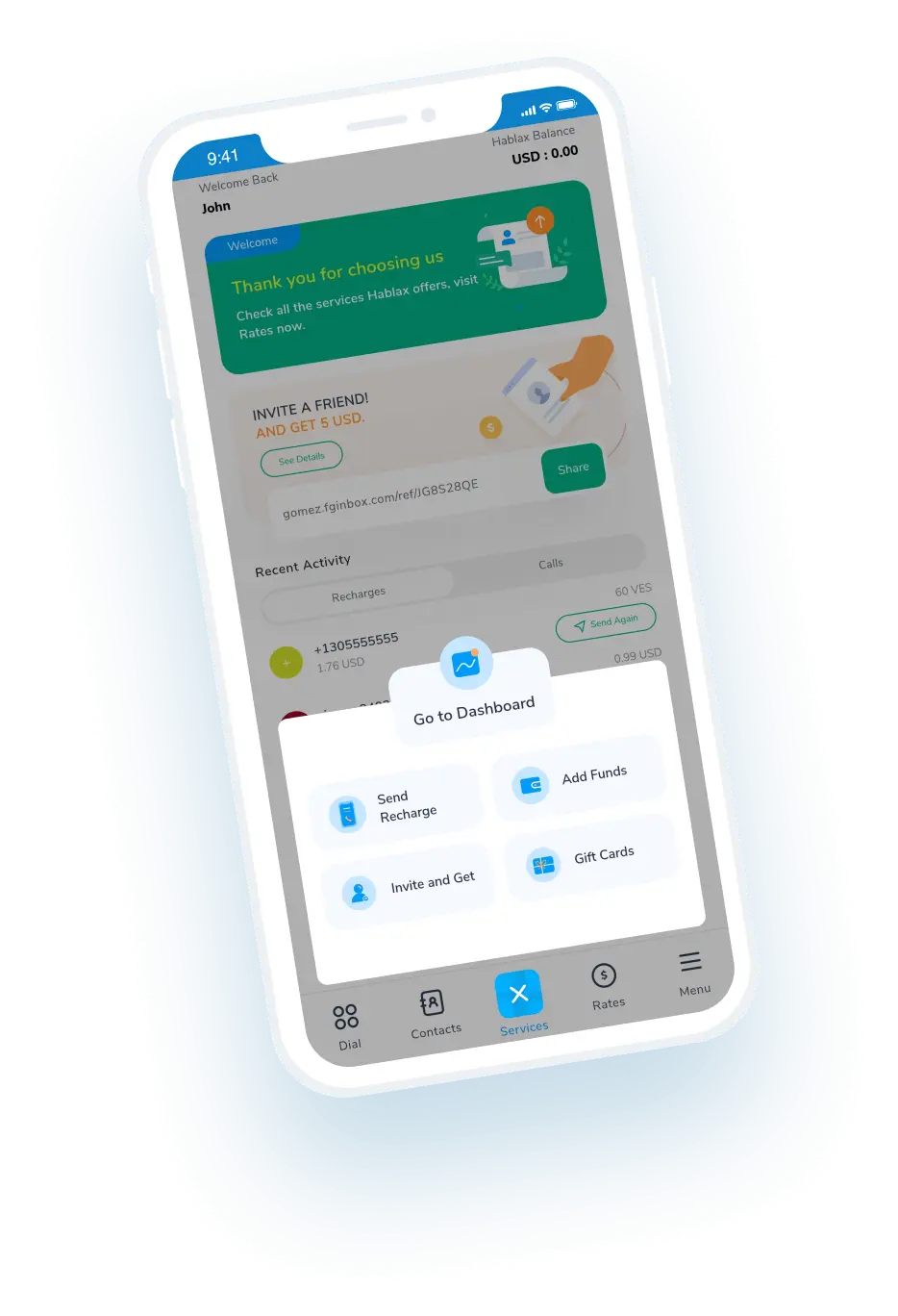
Download Hablax APP

Download the Hablax App

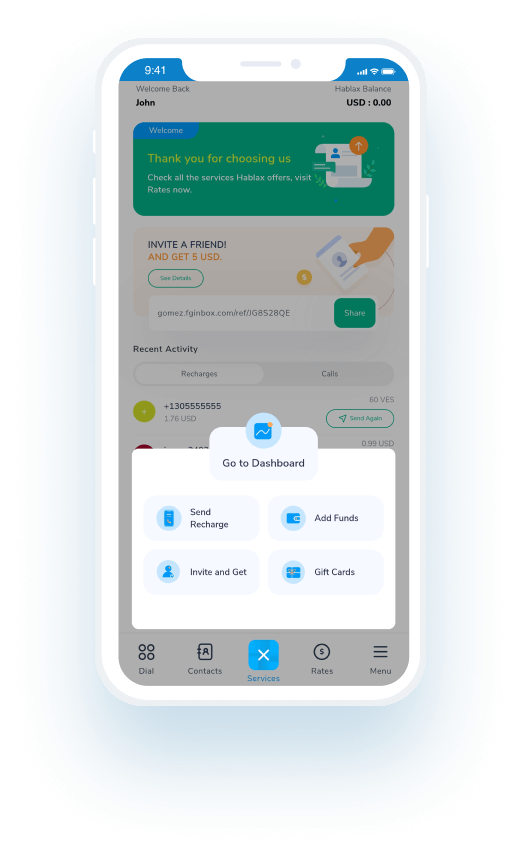
Get the Hablax app to easily send top-ups to Egypt and stay connected with your family and friends. Our app offers a straightforward interface for managing your transactions, ensuring you have a reliable method to send top-ups anytime, anywhere.


Why Choose Hablax?

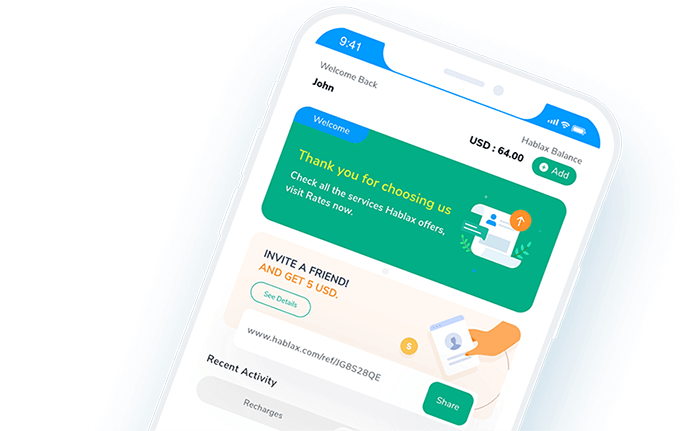
Hablax stands out with competitive pricing, reliable support, and user-friendly services for sending top-ups to Egypt. Our platform ensures that users enjoy seamless connectivity with their loved ones, making it easy and quick to send an international top-up without any hassle.
Why Hablax

Frequently Asked Questions

Common questions about Hablax services in Egypt.
Frequently Asked Questions
To check if a phone number in Egypt is compatible with Hablax's international top-ups, simply select the destination country and input the phone number on our platform. While the system doesn't perform automatic validation, you can proceed with the top-up process and will be notified if there are any issues before completing the transaction. There’s no need to add the country code as Hablax enters it automatically for you.
Hablax offers special promotions for international top-ups, which vary by country and season. To stay updated with current offers, Hablax will send information about discounts and promotions to your registered email. Promotions may include additional bonuses of data or credit depending on the amount topped up.
Certain restrictions may apply to specific operators in Egypt, based on each operator's policies and current promotions. Hablax filters this information automatically when selecting an operator, ensuring that you can only top-up with allowed operators in that country.
The cost of sending a mobile data top-up to Egypt can vary depending on the operator and current promotions. Generally, Hablax provides competitive rates for various countries, allowing you to compare prices when selecting the destination country and the type of top-up you wish to perform on our platform.
Once the top-up has been completed, the recipient will receive a notification on their mobile phone confirming the top-up. If you have any doubts about the status of the top-up, we recommend contacting the recipient directly or the local telecom operator to verify the updated balance on the line.

Customer Service

Contact Us for Assistance with Your Service

Chat

Chat

Customer Support is available daily from 10 AM to 11 PM (US Eastern Time) via chat.

Email

E-mail

Available 24/7

Call

Customer Support and Access Numbers

Customer Support is available daily from 10 AM to 11 PM (US Eastern Time) via phone calls.