× Logotipo Hablax
SIGN IN SIGN UP

Easily Send Internet Top-Ups to Africell DR Congo USD

Stay in touch with your loved ones in Democratic Republic of Congo. Learn how to send international top-up seamlessly.

The phone field cannot be empty
Please enter a valid phone number

Select Products for Africell DR Congo USD

Offre Speciale
1.5Gb = 100u - 48HValid for 48 hours
Forfait Internet - 60 USD
70GB=6000u-60jValid for 60 days
Forfait Internet - 100 USD
210GB=10000u-30jValid for 30 days

How Does It Work?

Steps to use Hablax for Africell DR Congo USD Service

Download the Hablax App to Use Internet Top-Up

Start by installing the Hablax app from your app store.

Select the Desired Service for Your Top-Up

Choose the specific internet service you wish to send.

Complete Your Purchase for the Selected Service

Finalise your transaction by selecting the amount and payment method.

Enjoy Your Top-Up Services

Your loved ones will enjoy the internet at Africell DR Congo USD.

Understanding Hablax - Your Connection Companion

Hablax makes sending top-ups simple and efficient. Follow these easy steps to stay connected with your loved ones!

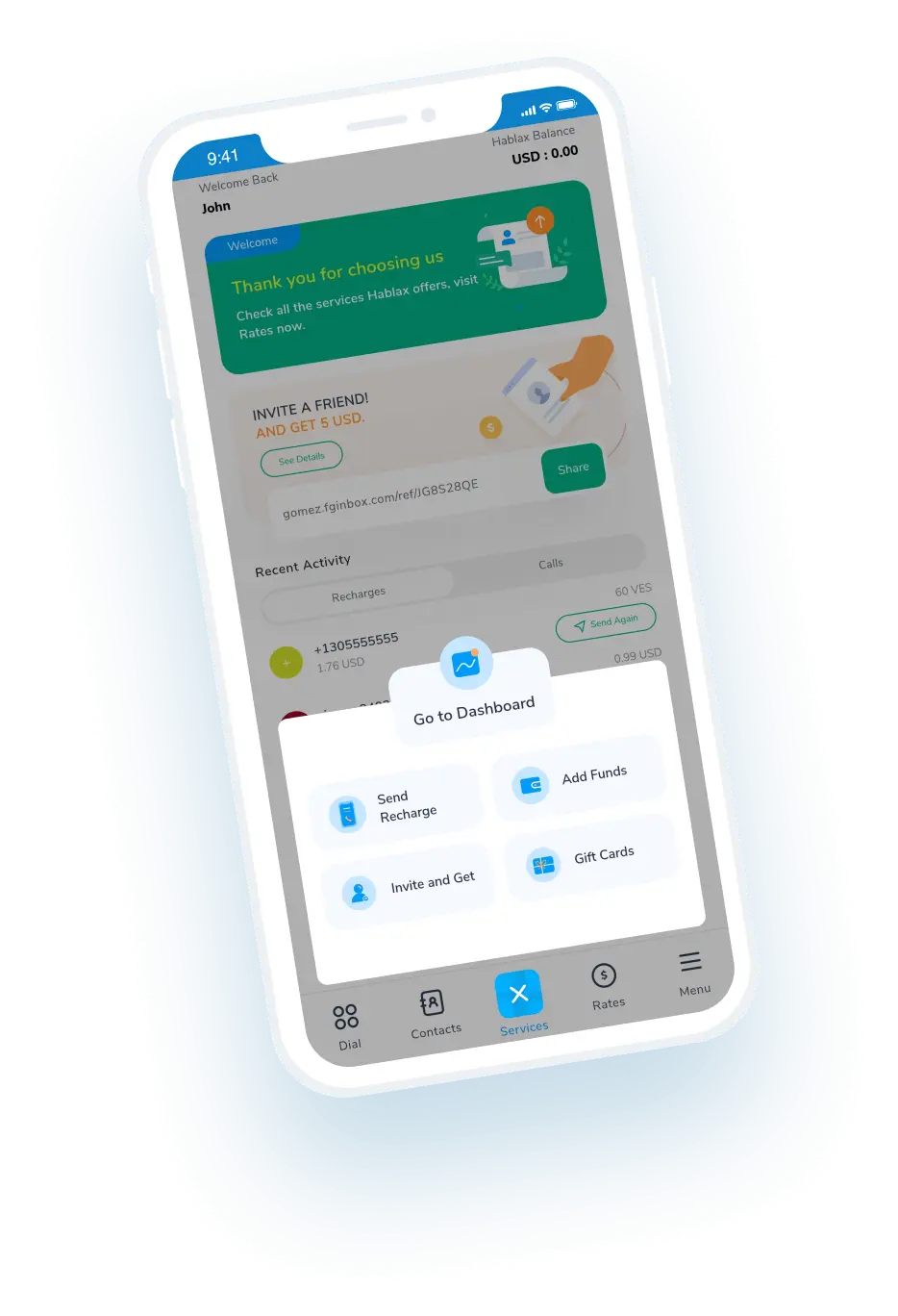
Blue circle Hablax
Download Hablax APP

Download the Hablax App

Get the Hablax app today to send internet top-ups to Africell DR Congo USD easily. With a user-friendly experience, you can stay connected with your loved ones anytime and anywhere. Join thousands of satisfied users in Democratic Republic of Congo!


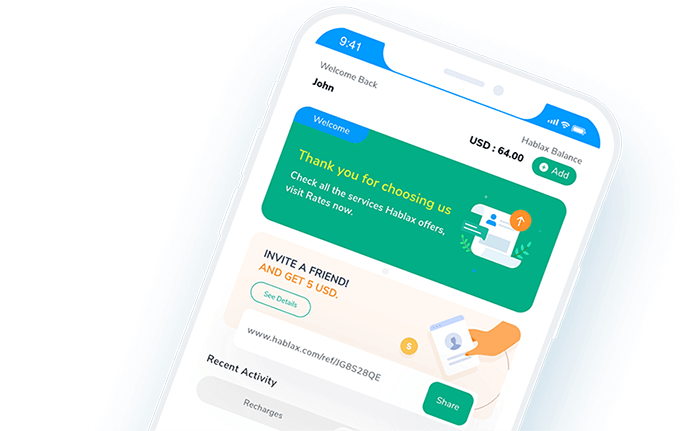
Why Choose Hablax?

Hablax stands out with its user-friendly interface, robust customer support, and reliability in delivering top-ups. Whether in reach or far away, our service ensures your connections are always maintained within Democratic Republic of Congo. Discover the ease of sending international top-ups with us!
Why Hablax

Frequently Asked Questions

Common questions about Hablax in Democratic Republic of Congo.
Frequently Asked Questions
To top up internet data for a mobile phone of your loved ones through Hablax, log into your account via the app or website. Select the top-up option, choose the destination country and internet service. Next, select the amount of data you want to send, enter their phone number, then choose your payment method and complete the transaction.
Hablax offers a range of payment methods for data top-ups, including Apple Pay, Google Pay, cryptocurrencies, credit and debit cards, PayPal, and in some countries, cash or bank transfers.
If your loved one hasn’t received the data top-up, first verify that the transaction was successful via your Hablax account. If the issue persists, contact our customer service for assistance. We will verify the top-up status and resolve any issues.
Yes, if the data top-up does not apply correctly and the transaction was completed, you can request a refund by contacting our customer service. We will review the case and, if applicable, process the refund or correct the error.
With Hablax, you can top up both mobile data and balance for calls and messages. The platform offers flexibility to choose the type of top-up that best suits your needs, whether it’s to stay connected online or to have balance for calls and messages.

Customer Service

Contact us for assistance with Africell DR Congo USD Services

Chat

Chat

Customer service available every day from 10 am to 11 pm (Eastern Time, USA) via chat.

Email

E-mail

Available 24/7

Call

Customer Service and Access Numbers

Customer service available every day from 10 am to 11 pm (Eastern Time, USA) by calls.