× Logotipo Hablax
SIGN IN SIGN UP

Buy Binance Gift Card (USDS) Easily and Securely in Aruba

Explore our range of digital gift cards and buy gift cards online with ease. Get instant access to your Binance Gift Card (USDS) today!

Select Binance Gift Card (USDS) Products

1 USD
3 USD
5 USD
7 USD
10 USD
15 USD
20 USD
25 USD
30 USD
35 USD
40 USD
45 USD
50 USD
55 USD
60 USD
65 USD
70 USD
75 USD
80 USD
85 USD
90 USD
95 USD
100 USD
110 USD
120 USD
130 USD
140 USD
150 USD
160 USD
170 USD
180 USD
190 USD
200 USD

How Does It Work?

Steps to use Hablax in Aruba for your gift card needs

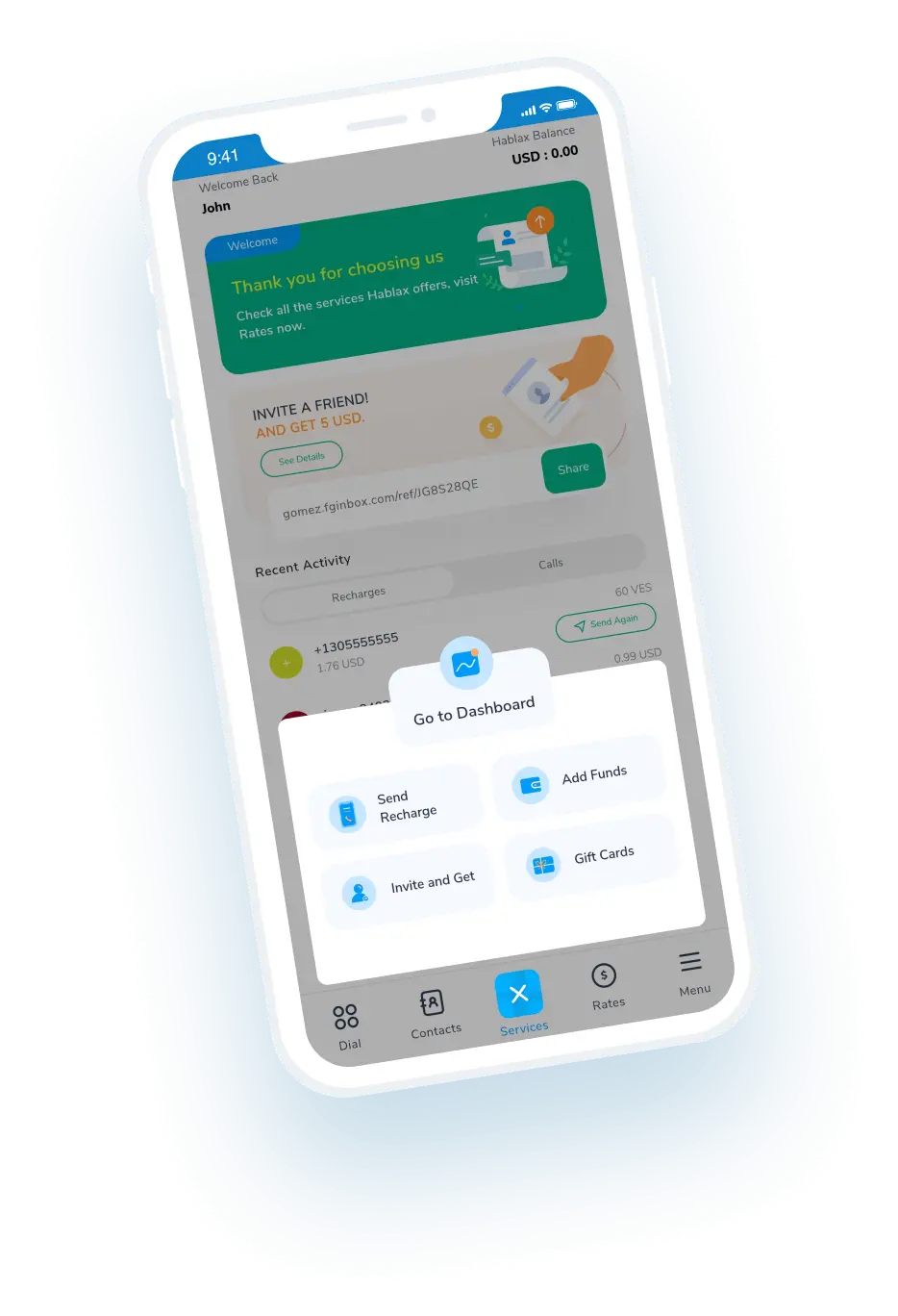
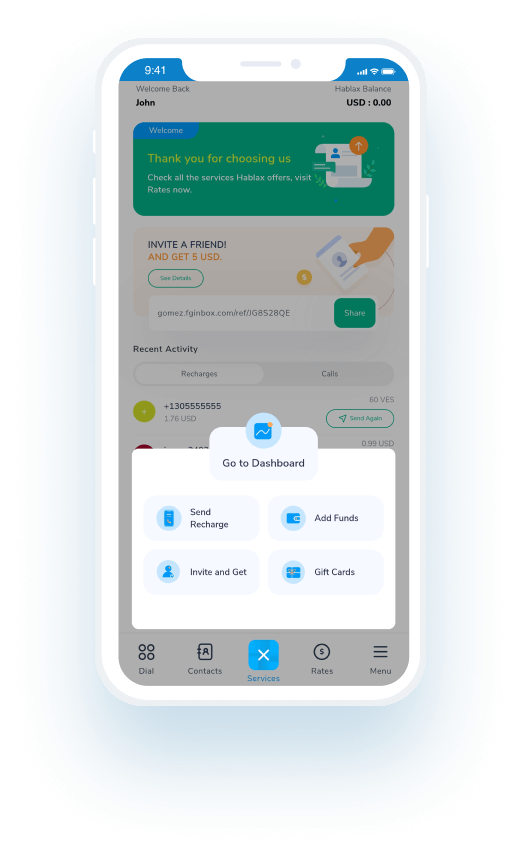
Download the Hablax app to use our service

Begin your journey by installing the user-friendly Hablax app on your device.

Select the gift card service you want to purchase

Browse through our available gift card options and choose the Binance Gift Card (USDS).

Complete your purchase

Proceed to payment and finalize your order for the gift card you've selected.

Enjoy your Binance Gift Card (USDS)

Use your gift card to enjoy the benefits and services it offers!

Discover the Easy Steps to Buy Gift Cards

Using Hablax to purchase your Binance Gift Card (USDS) is quick and straightforward. Follow these simple steps to get started!

Blue circle Hablax
Download Hablax APP

Download the Hablax App

Get the Hablax app and start purchasing your Binance Gift Card (USDS) with ease! Available for users in Aruba, our app is designed for a smooth and enjoyable experience.


Why Use Hablax?

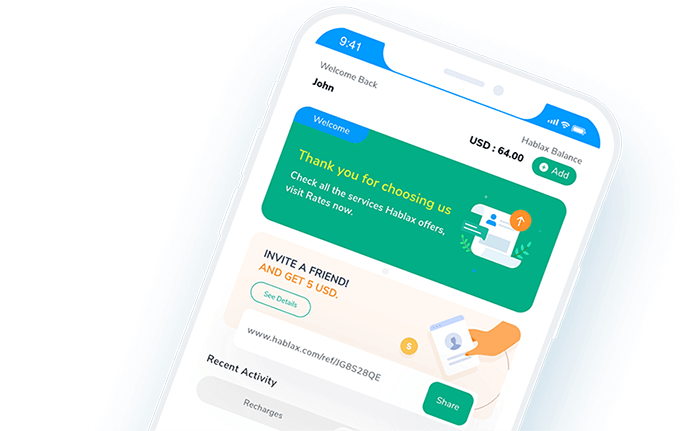
Hablax stands out for its exceptional support and quality services tailored for users in Aruba. With our easy-to-use platform and a variety of digital gift cards, we ensure a hassle-free experience. Buy gift cards online with confidence and enjoy seamless transactions and dedicated customer service.
Why Hablax

Frequently Asked Questions

Common questions about Hablax services in Aruba.
Frequently Asked Questions
To purchase a gift card on Hablax, first log into your account from the app or website. Then, select the destination country and the Gift Cards option. Choose the type of gift card you want to buy, enter the recipient's details (if applicable), and proceed to payment using one of the available payment methods.
To buy a gift card with Hablax, you need the type of card you wish to purchase, the amount you want to load, and sometimes the recipient's details, like their email or phone number, depending on the type of gift card.
With Hablax, you can acquire various types of gift cards including those for popular stores, entertainment platforms, gaming consoles, and online services. Common options include cards for Amazon, Google Play, iTunes, and other digital platforms.
Yes, some gift cards may have usage restrictions based on the country where the card is redeemed. These restrictions are set by the card issuer and not by Hablax. It's advisable to check the issuer's policies to ensure that the gift card can be used in the desired country.
Generally, gift cards cannot be returned or exchanged once purchased, as they are non-refundable products. However, if you have any issues with your purchase, you may contact our customer service to review your case.

Customer Service

Contact us for help with Gift Card services.

Chat

Chat

Customer support available every day from 10 AM to 11 PM (Eastern Time, USA) via chat.

Email

E-mail

Available 24/7

Call

Customer Support and Access Numbers

Customer support available every day from 10 AM to 11 PM (Eastern Time, USA) via calls.