× Logotipo Hablax
SIGN IN SIGN UP

Send Mobile Top-ups to Team Telekom Armenia AMD Easily

Stay connected with your loved ones in Armenia. Discover how to send top-ups online and keep their mobile balance topped up effortlessly.

How Does It Work?

Steps to use Hablax to send top-ups to Armenia via Team Telekom.

To make a top-up
To make a top-up

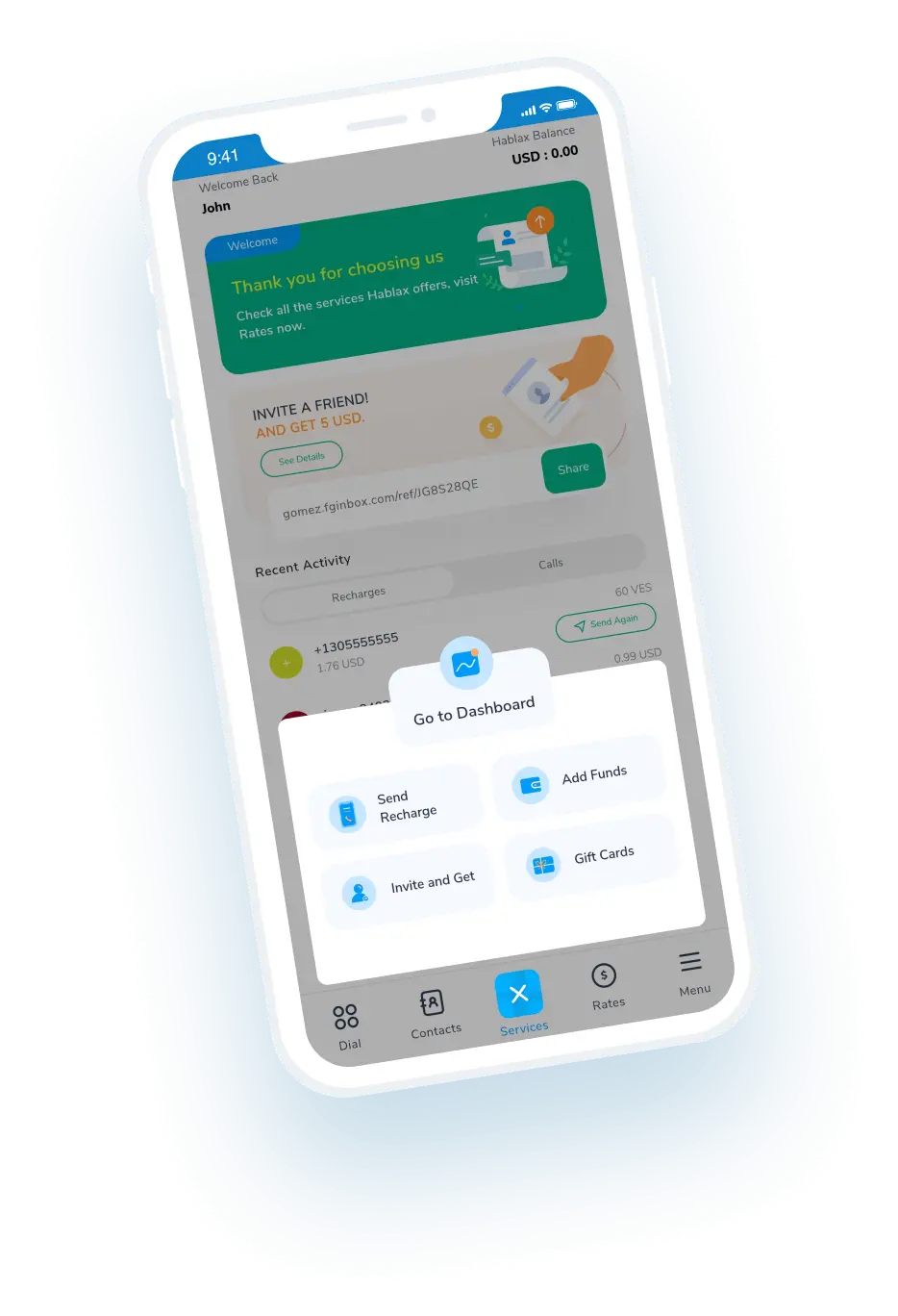
Download the Hablax application.

Select your service
Select your service

Choose the product and enter the mobile number for Armenia that you wish to top-up.

Select payment method and finalize purchase

Choose your payment method and complete the transaction.

Your loved one receives their top-up within minutes

You are now ready to connect with your family in Armenia.

Understanding Hablax Working Mechanism

Sending top-ups is straightforward. Follow these easy steps to keep your loved ones connected.

Blue circle Hablax
Download Hablax APP

Download the Hablax App

Get the Hablax app today to send mobile top-ups to Armenia easily. With our user-friendly interface, keeping your loved ones connected has never been simpler. Available in various app stores.


Why Use Hablax?

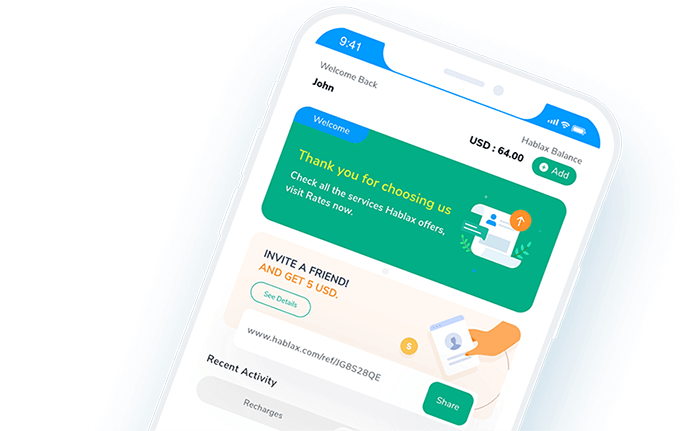
Hablax stands out due to our commitment to quality service and exceptional support. We ensure that your mobile top-ups are delivered seamlessly to users in Armenia, especially with operators like Team Telekom. Count on us for a smooth experience every time you send a top-up.
Why Hablax

Frequently Asked Questions

Common questions about Hablax in Armenia and Team Telekom services.
Frequently Asked Questions
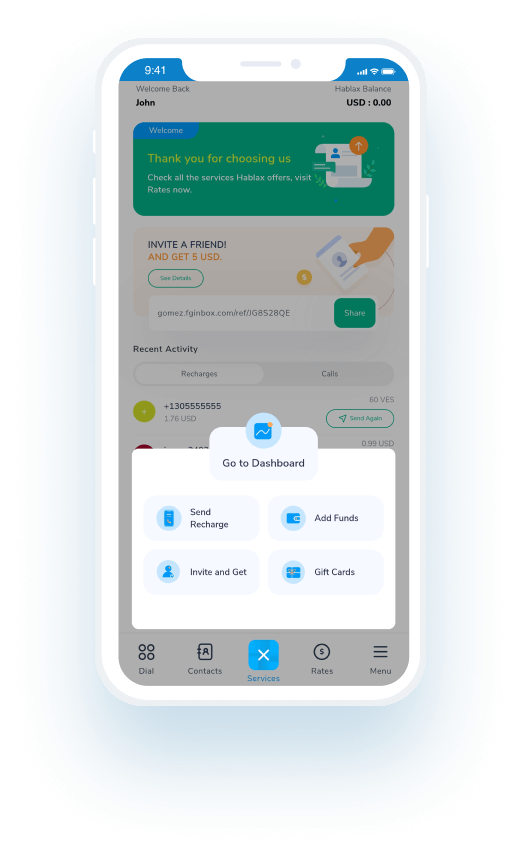
To send an international mobile top-up to Armenia using Hablax, log into your account via the app or website. Then select the destination country, enter the mobile number, and choose the top-up amount. Finally, select your payment method and confirm the transaction.
Hablax offers several payment methods for international top-ups, including Apple Pay, Google Pay, cryptocurrencies, credit and debit cards, PayPal, and in some cases, cash or bank transfers.
International mobile top-ups through Hablax are processed almost instantly, though it may take a few minutes depending on the operator and connection.
Once the top-up is completed, the recipient will receive a notification on their mobile device.
Yes, you can add multiple top-ups for different countries or the same country to your cart and make a single payment.

Customer Service

Contact us for assistance with sending top-ups via Team Telekom

Chat

Chat

Customer Support available daily from 10 AM to 11 PM (Eastern Time, USA) via chat.

Email

E-mail

Available 24/7

Call

Customer Service and Access Numbers

Customer Support available daily from 10 AM to 11 PM (Eastern Time, USA) via calls.